

As an Amazon Associate and eBay Partner, toptenpick.com earns from qualifying purchases. Prices and availability are subject to change.
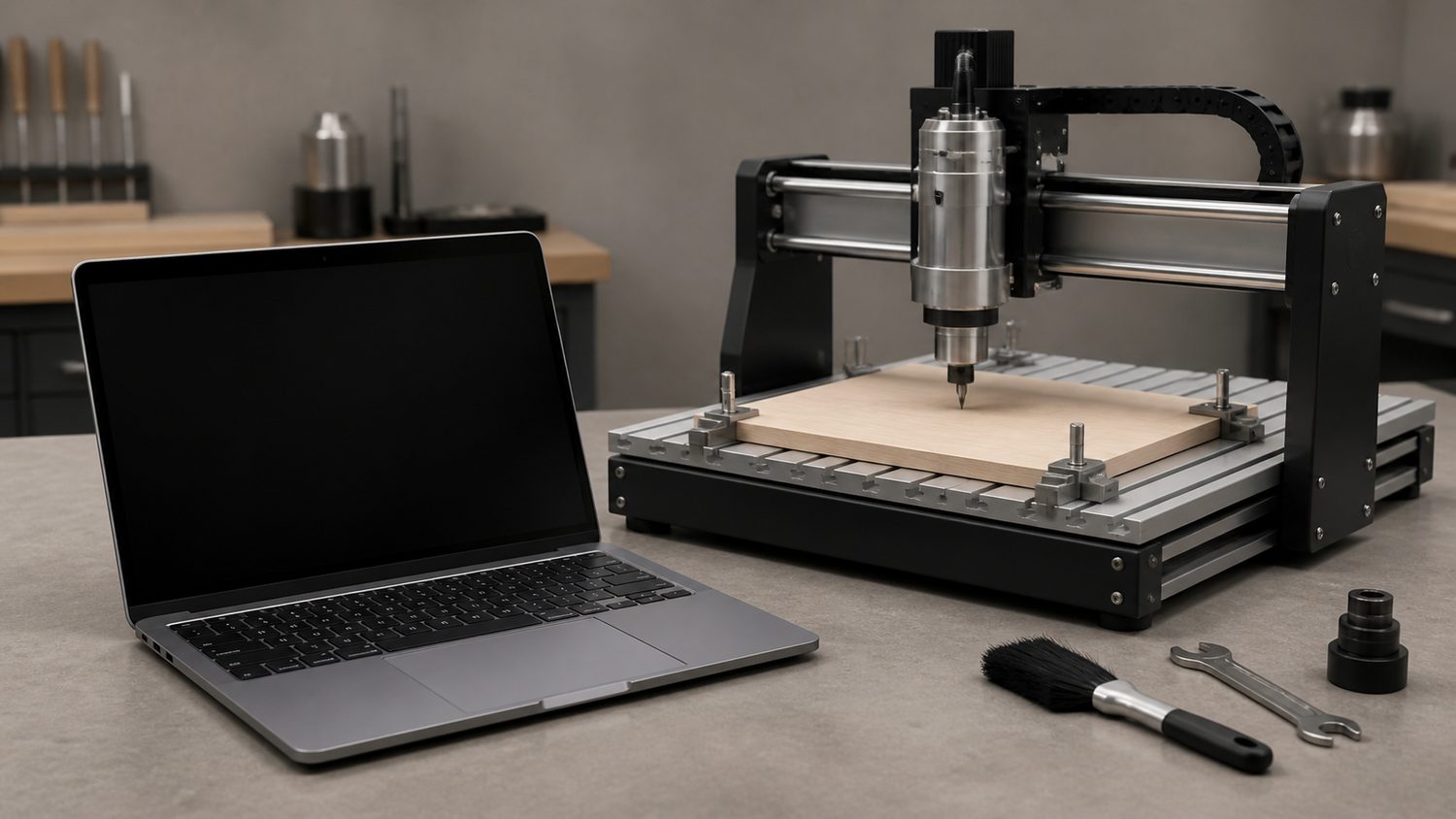
A laptop is not universally compatible with a CNC router. The controller and its software decide the required operating system, USB/serial/Ethernet connection, drivers, G-code sender and minimum specification. Confirm all of that before buying a computer. Modern laptops often need a powered USB hub, USB-C adapter or verified USB-to-serial adapter; older parallel-port control systems can require a dedicated compatible computer and should not be assumed to work through a random adapter. The models below are practical laptop classes for CAD/CAM and controller-side work, not guarantees for every CNC machine.
| # | Product | Price | Where to buy |
|---|---|---|---|
| 1 | Lenovo ThinkPad T16 Gen 5 | $1,800-$2,200 | Amazon |
| 2 | Lenovo ThinkPad T14 Gen 7 | $1,700-$2,200 | Amazon · eBay |
| 3 | Dell Precision 5690 | $1,800-$3,500 | Amazon · eBay |
| 4 | Dell Inspiron 14 2-in-1 | $600-$1,000 | Amazon · eBay |
| 5 | ASUS ProArt P16 | $1,800-$3,500 | Amazon · eBay |
| 6 | Lenovo ThinkPad P16 Gen 2 | $1,800-$4,000 | Amazon · eBay |
| 7 | HP ZBook Power G11 | $1,500-$3,000 | Amazon · eBay |
| 8 | Apple MacBook Air M5 13.6-inch | $700-$1,300 | Amazon · eBay |
| 9 | Apple MacBook Air M5 15.3-inch | $900-$1,500 | Amazon · eBay |
| 10 | MSI Creator M16 | $1,000-$2,500 | Amazon · eBay |
The picks, in detail
Lenovo ThinkPad T16 Gen 5
A current business laptop with Thunderbolt 4/USB4 and RJ-45 Ethernet for CNC software where the controller documentation supports those connections.
- Thunderbolt 4/USB4
- RJ-45 Ethernet
- Wi-Fi 7
- direct Ethernet option
- business-grade ports
- verify CNC software OS support

Lenovo ThinkPad T14 Gen 7
A portable business-laptop choice for controller systems that use supported USB or Ethernet connectivity.
- 14-inch class
- Windows configurations
- business line
- portable for workshop use
- dock ecosystem
- exact ports vary by configuration
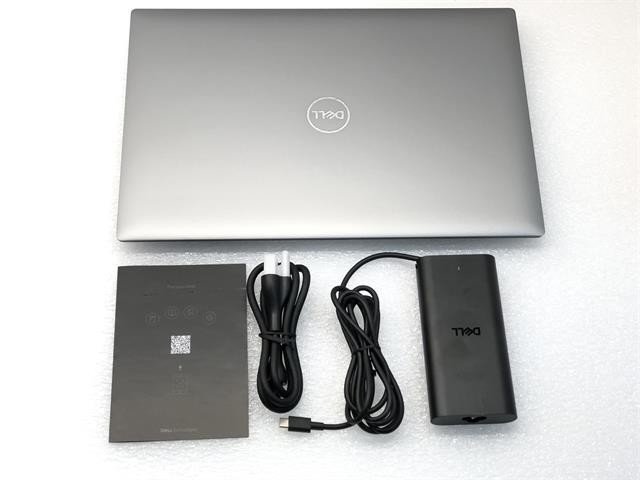
Dell Precision 5690
A mobile-workstation line for CAD/CAM workloads where the selected configuration, Windows version and controller connection meet the software vendor’s requirements.
- mobile workstation
- Windows configurations
- professional graphics options
- workstation-class line
- suited to demanding design software
- higher price and thermals than basic control needs

Dell Inspiron 14 2-in-1
A 16GB/512GB Windows configuration suitable for light CAD/CAM and controller applications that meet its published requirements.
- Core 5 120U configuration
- 16GB RAM
- 512GB SSD
- mainstream price class
- adequate memory configuration
- workshop protection is still needed

ASUS ProArt P16
A creator-oriented laptop family for design work where the selected CAD/CAM software benefits from dedicated graphics and a larger display.
- 16-inch creator laptop
- discrete graphics options
- Windows platform
- design-focused product line
- larger workspace
- not required for basic G-code sending

Lenovo ThinkPad P16 Gen 2
A mobile workstation choice for local CAD/CAM workloads, with the controller connection still governed by the machine maker’s documentation.
- mobile workstation
- 16-inch class
- Windows configurations
- workstation class
- large screen
- bigger and heavier for field transport

HP ZBook Power G11
A workstation-oriented Windows laptop for compatible CAD/CAM work where the selected configuration meets the application requirements.
- mobile workstation
- Windows platform
- professional configuration options
- workstation family
- portable desktop-replacement class
- exact ports and graphics must be configured
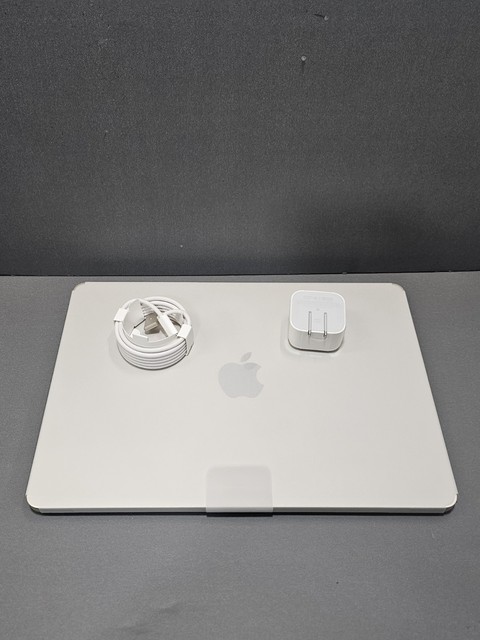
Apple MacBook Air M5 13.6-inch
A macOS choice only for CAD/CAM and CNC controller software explicitly available for macOS or for non-controller design tasks.
- Apple M5
- 16GB memory configuration
- two USB-C ports
- portable design workstation
- long battery class
- many controller applications are Windows-only

Apple MacBook Air M5 15.3-inch
A larger-screen macOS laptop for compatible design workflows, with USB-C adapter planning required for many controllers.
- 15.3-inch display
- Apple M5
- USB-C ports
- larger on-machine workspace
- lightweight class
- not a universal CNC-controller platform

MSI Creator M16
A creator-laptop family for local CAD/CAM work where its selected CPU, memory and graphics configuration meet the software requirements.
- 16-inch class
- Windows platform
- discrete graphics configurations
- design-work class
- larger display
- not a universal controller-connection guarantee
Buying tips
- Read the CNC controller and sender software documentation before selecting Windows, macOS or a specific port adapter.
- Test a controller connection and emergency-stop workflow with the spindle disabled before cutting material.
- Keep the laptop away from chips, coolant and dust, use strain relief for cables, and retain a known-good backup of jobs and machine settings.
As an Amazon Associate and eBay Partner, toptenpick.com earns from qualifying purchases. Prices and availability are subject to change.