

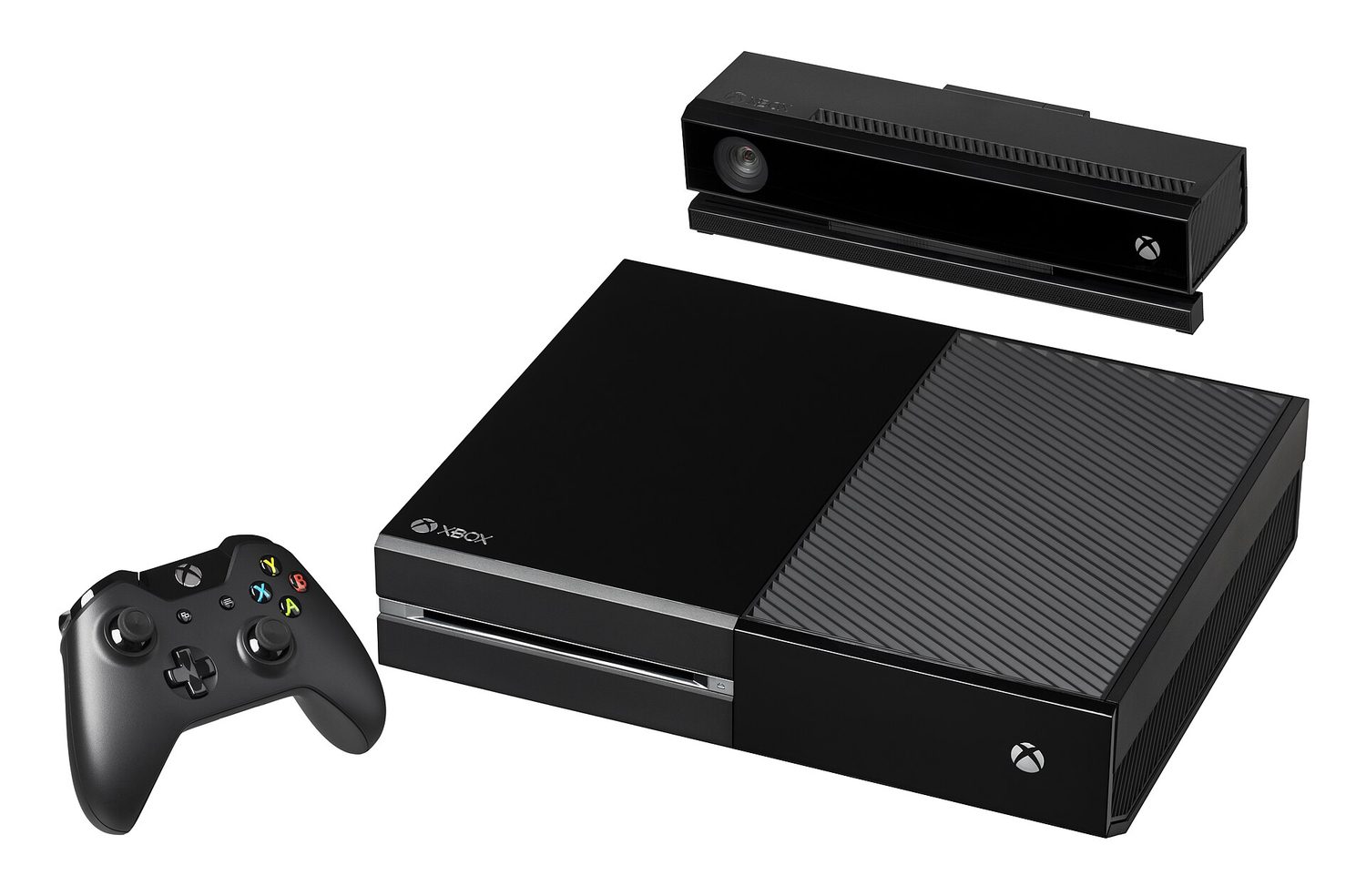
The best IPTV option on an Xbox One is a licensed streaming service or a player connected to a stream you are authorized to use. “IPTV” describes television delivered over internet protocol; it does not prove that a channel list is licensed. Avoid sellers promising every premium channel for an implausibly low fee, playlists with no named rights holder, or apps that require obscure sideloading steps. On Xbox One, the reliable route is the Microsoft Store’s Entertainment section and an official provider account.
Xbox support and app availability change by country, account region, and device generation. Microsoft says Xbox One consoles can browse and install entertainment apps such as Netflix, Hulu, Disney+, Apple TV, Amazon Video, and Sling TV from the Store, but a service’s actual catalogue and live-channel plan are set by that provider. Check the Store page on the console and the provider’s own supported-device page before paying for a subscription.
Best for live channels: a licensed live-TV subscription app
For viewers who want a cable-like channel guide, choose a licensed live-TV service that has an Xbox One app in your region and publishes its channels, plan terms, and supported devices. Sling TV is one example Microsoft names among Xbox entertainment apps, but it is not a universal recommendation: its availability, lineup, local-channel coverage, and price depend on market and plan. The same rule applies to any regional broadcaster’s authenticated app.
Before subscribing, confirm four things: that the Xbox One app appears in your Store, that the channels you actually watch are included in the specific plan, whether live local coverage is available at your address, and whether the provider supports simultaneous streams for your household. Do not buy a subscription based on a third-party “IPTV” list that cannot identify its licensing relationship.
Best for on-demand libraries: official entertainment apps
If the goal is films, series, or a particular studio catalogue rather than live channels, install the provider’s official Xbox app. Microsoft lists services including Netflix, Disney+, Apple TV, Amazon Video, and Hulu as Xbox console apps. These are not interchangeable: each has its own subscription, region, and catalogue. Choose the service that carries the programmes you want, rather than searching for an all-in-one playlist.
Microsoft has stopped selling new movies and TV shows through the Microsoft Store, but says previously purchased Movies and TV content remains playable on Xbox and Windows devices. That is useful for an existing library, not a new-content recommendation. For new purchases or subscriptions, use the current provider app and review its own terms.
Best for your own authorized stream: a compatible player
A generic IPTV player is appropriate only when you control or are explicitly authorized to access the stream it receives—for example, an in-house video system, a broadcaster account that supplies a supported playlist, or a legitimate personal media arrangement. The app itself does not confer rights to a channel. Treat a player as software, not a content provider.
Compatibility also matters. Microsoft documents HLS and MPEG-DASH as supported streaming formats for Xbox applications, while H.264 up to 1080p at 60 frames per second is supported across consoles. Its developer documentation says HEVC 4K support excludes the original Xbox One, so do not promise 4K playback from an Xbox One simply because a stream advertises it. The exact app, console model, display, and stream determine what you receive.
What to check before installing any app
- Use the console Store. Search the Entertainment category on the Xbox One itself and verify the publisher name.
- Identify the rights holder. A legitimate service names its company, regions, plans, channel terms, and support contacts.
- Confirm the device listing. A Windows or phone app listing does not prove Xbox One support.
- Check video expectations. Original Xbox One hardware has different codec limits from Xbox One X and Series consoles.
- Protect account details. Never give a seller your Microsoft password or payment credentials outside the Microsoft checkout or provider’s official site.
Red flags that a service is not a sound choice
Be cautious when a seller offers thousands of premium channels without identifying a licence, asks for cryptocurrency only, changes its web address frequently, or tells you to use a random playlist URL in a player. Those practices leave you without dependable support, privacy protection, or assurance that the stream is legal. They can also disappear after payment. The better value is an official app with a real support route, even if its channel selection is narrower.
Set up a reliable Xbox One viewing session
Start by updating the console and signing into the Microsoft account associated with the Store region you intend to use. Install the provider’s official app, sign in only through its normal account screen, and test a short live programme before planning a major event around it. If the app does not appear in the Store, that is a compatibility or region signal; do not try to solve it with a random download or an account registered to a false country.
For streaming quality, use a stable home connection and avoid assuming that a fast speed-test result guarantees a smooth stream. Home Wi-Fi congestion, the app’s adaptive bitrate, the provider’s live-event load, and the console model all affect playback. If video pauses or falls back in quality, first test another official app, restart the app, check the provider’s status information, and compare wired Ethernet with Wi-Fi where practical. These steps identify a local connection problem without exposing your account to untrusted “fix” services.
Also separate a programme’s content rights from its technical availability. A provider might support Xbox One but not carry a particular league, local station, language feed, or replay in your area. Check the event or channel directly in the provider’s schedule before subscription or travel. The app listing tells you the device can run the service; it does not guarantee that every title is included in every plan.
For Xbox One, the best answer is therefore not a single unbranded IPTV app. It is the licensed live-TV or on-demand provider available in your region, installed from the console Store, or an authorized stream used with a compatible player. Verify the app, plan, country, and Xbox model before subscribing, and choose legal access over a channel list that cannot explain where it came from.