

About this guide
Surface Pro 4 has Surface Connect rather than native USB-C charging. A USB-C PD power bank needs a compatible USB-C-to-Surface Connect cable that requests the correct 15V PD profile; a bank’s headline wattage alone is not compatibility. Check the cable maker’s stated Surface Pro 4 support and verify that the bank offers 15V PD output.
As an Amazon Associate and eBay Partner, toptenpick.com earns from qualifying purchases. Prices and availability are subject to change.
The picks, in detail
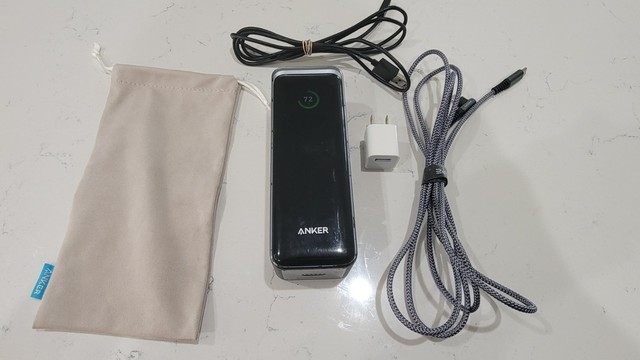
Anker Prime 27,650mAh 250W Power Bank
A high-output USB-C PD bank for a Pro 4 only when paired with a compatible 15V PD-to-Surface Connect cable.
- 27,650mAh
- 250W maximum
- USB-C PD
- High output headroom
- Large capacity
- Cable required
- Not direct Surface Connect

Anker 737 Power Bank
The 24,000mAh 737 is a USB-C PD bank; Surface Pro 4 charging depends on a verified 15V Surface Connect cable.
- 24,000mAh
- 140W output
- USB-C PD
- Laptop-class output
- Display
- Cable required
- Check 15V profile
UGREEN Nexode 25,000mAh 145W
UGREEN’s 145W USB-C PD bank can be considered with a 15V-capable Surface Connect cable, not as a direct plug-in.
- 25,000mAh
- 145W
- USB-C PD
- High-capacity format
- Multiple ports
- Cable required
- Shared output changes limits
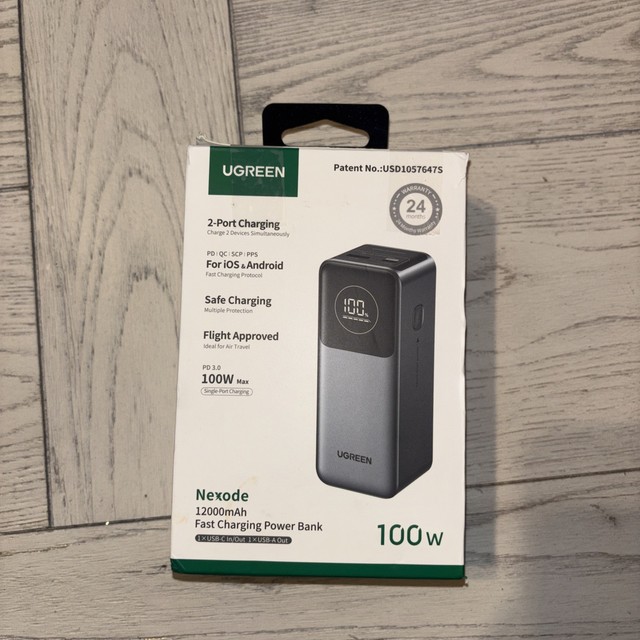
UGREEN Nexode 12,000mAh 100W
A smaller 100W USB-C PD option for travel top-ups when its actual PD profiles work with the chosen Surface cable.
- 12,000mAh
- 100W
- USB-C PD
- Compact
- High output for size
- Less energy reserve
- Cable required
Zendure SuperTank Pro 26,800mAh
SuperTank Pro is a multi-port USB-C PD bank; the Pro 4 still needs a compatible 15V Surface Connect conversion cable.
- 26,800mAh
- 100W USB-C PD
- four ports
- Large capacity
- Multi-device travel
- Cable required
- Heavier than small banks
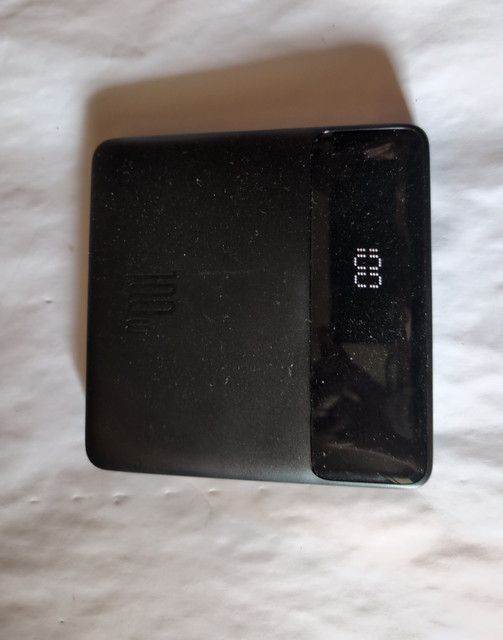
Baseus Blade 20,000mAh 100W
The slim Baseus Blade offers USB-C PD output, usable for the Pro 4 only through a stated-compatible PD-to-Surface cable.
- 20,000mAh
- 100W
- USB-C PD
- Slim shape
- Laptop-oriented output
- Cable required
- Check 15V profile
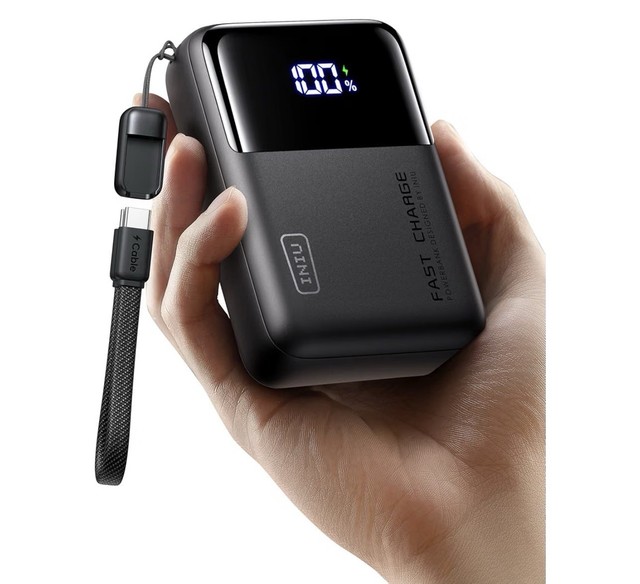
INIU 25,000mAh 100W Power Bank
A 100W USB-C PD bank with enough output class for a conversion-cable setup, subject to its negotiated 15V PD mode.
- 25,000mAh
- 100W
- USB-C PD
- Large capacity
- Multiple devices
- Cable required
- Output sharing matters
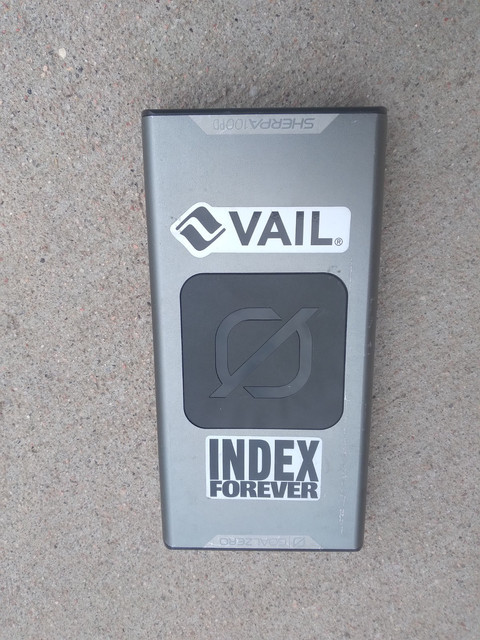
Goal Zero Sherpa 100PD
Sherpa 100PD is a USB-C PD power bank for portable electronics; use with the Pro 4 only after checking the exact cable and output profile.
- 25,600mAh
- 100W USB-C PD
- display
- Travel-focused design
- USB-C PD
- Cable required
- Premium price
BatPower ProE 2 ES7B 98Wh
BatPower markets this 98Wh bank for Surface Pro 4 and related Surface models, making it the native-surface-style option to verify by supplied connector.
- 98Wh
- Surface model support
- portable battery
- Explicit Surface Pro 4 marketing
- Near airline threshold
- Verify included cable
- Older product line
What each one costs
Typical price, cheapest first. Tap a name to jump to that pick and its buy link.
Compare any three
| Anker Prime 27,650mAh 250W Power Bank | Anker 737 Power Bank | UGREEN Nexode 25,000mAh 145W | |
|---|---|---|---|
| Price | $150–$200 | $100–$150 | $90–$150 |
| Key features |
|
|
|
| Pros |
|
|
|
| Cons |
|
|
|
Buying tips
- Confirm 15V PD output and cable compatibility before buying.
- A generic USB-C cable cannot plug into Surface Connect.
- Use one high-output port during laptop charging to avoid shared-power limits.
As an Amazon Associate and eBay Partner, toptenpick.com earns from qualifying purchases. Prices and availability are subject to change.