

As an Amazon Associate and eBay Partner, toptenpick.com earns from qualifying purchases. Prices and availability are subject to change.
Consumer laptops are rarely engineered with sustained heat and humidity in mind, and in a tropical climate that shows up as throttling, fan noise, and shortened component lifespan. The safest bets are fanless designs that never spin up in the first place, laptops with genuinely sealed keyboards and rugged certifications, or machines whose cooling systems are simply overbuilt for the workload. Here are eight current laptops worth considering, from ultraportables to serious performance machines.
| # | Product | Price | Where to buy |
|---|---|---|---|
| 1 | Apple MacBook Air 13/15-inch (M5) | $1,299-$1,599 | Amazon · eBay |
| 2 | Panasonic Toughbook FZ-40 MK2 | $2,200-$3,300 | Amazon · eBay |
| 3 | Lenovo ThinkPad X1 Carbon Gen 13 | $1,600-$2,200 | Amazon · eBay |
| 4 | Dell Latitude 7450 | $1,300-$1,900 | Amazon · eBay |
| 5 | ASUS Chromebook Plus CX34 | $350-$500 | Amazon · eBay |
| 6 | ASUS Chromebook CM15 | $250-$350 | Amazon · eBay |
| 7 | ASUS ROG Zephyrus G16 | $1,900-$2,800 | Amazon · eBay |
| 8 | Lenovo Legion Pro 9i | $2,400-$3,500 | Amazon · eBay |
The picks, in detail

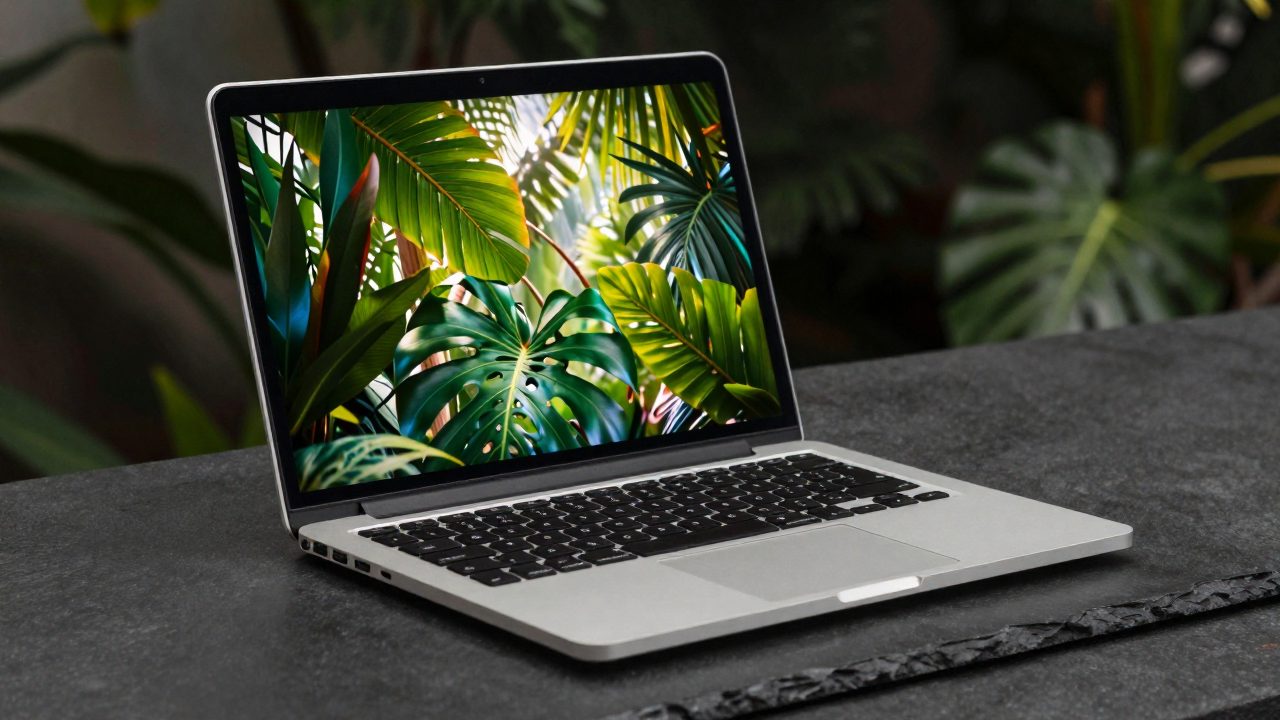
Apple MacBook Air 13/15-inch (M5)
A completely fanless design that runs cool and silent even after hours of continuous use.
- Apple M5 chip, fanless cooling
- 18-hour battery life
- 2.7 lb (13-inch)
- Wi-Fi 7
- No moving parts to fail in humidity
- Sips power, so it runs cool
- Can throttle under sustained heavy loads (video export, compiling) in a hot room

Panasonic Toughbook FZ-40 MK2
IP66-sealed and MIL-STD-810H tested for genuine humidity and dust resistance, not just marketing.
- MIL-STD-810H rated
- IP66 sealed keyboard/chassis
- Magnesium alloy body
- Intel Core Ultra 7
- Built specifically for extreme-environment field use
- Sealed against moisture ingress
- Bulky and expensive for everyday consumer use

Lenovo ThinkPad X1 Carbon Gen 13
A premium ultralight with a spill-resistant keyboard and efficient Core Ultra platform.
- Intel Core Ultra processor
- Spill-resistant keyboard
- Carbon-fiber chassis
- MIL-SPEC durability testing
- Efficient chip runs cooler than older Intel generations
- Durable build for daily travel
- Not sealed against humidity like a purpose-built rugged laptop
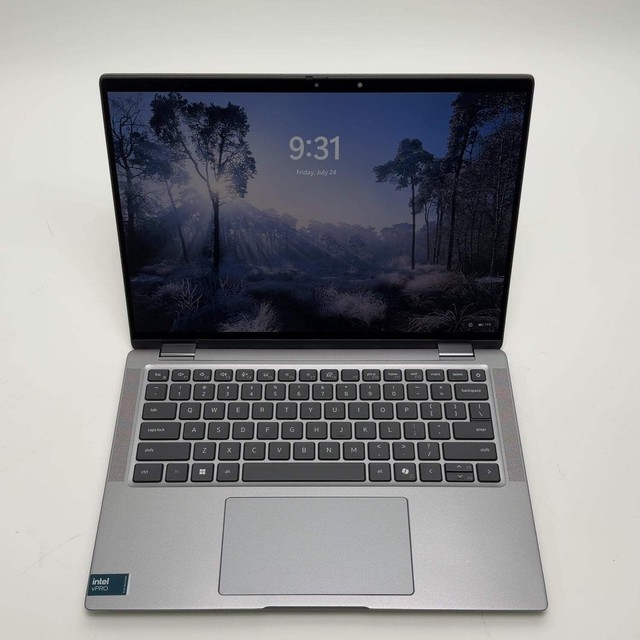
Dell Latitude 7450
MIL-STD-810H tested for temperature and humidity extremes, in a mainstream business laptop.
- Intel Core Ultra 7 165H
- Aluminum chassis
- MIL-STD-810H tested
- Up to 16 hours battery
- Tested specifically for heat and humidity tolerance
- Long battery life reduces charging-cycle heat
- Not fully sealed like a rugged-class device
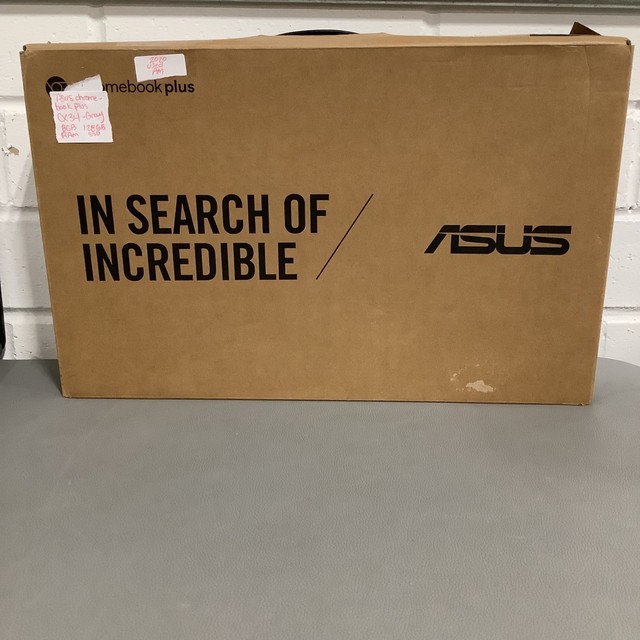
ASUS Chromebook Plus CX34
Low-power hardware that generates little heat and needs no aggressive cooling to begin with.
- Intel Core i5
- ChromeOS
- Fanless-friendly power draw
- All-day battery
- Runs cool by design, low power draw
- Budget-friendly
- Limited to web and Android apps, not full desktop software

ASUS Chromebook CM15
A budget MediaTek Chromebook that stays cool thanks to an inherently low-power ARM-based chip.
- MediaTek Kompanio 540
- 15.6-inch display
- Up to 12 hours battery life
- Lightweight build
- Very low heat output
- Inexpensive
- Modest performance for anything beyond browsing
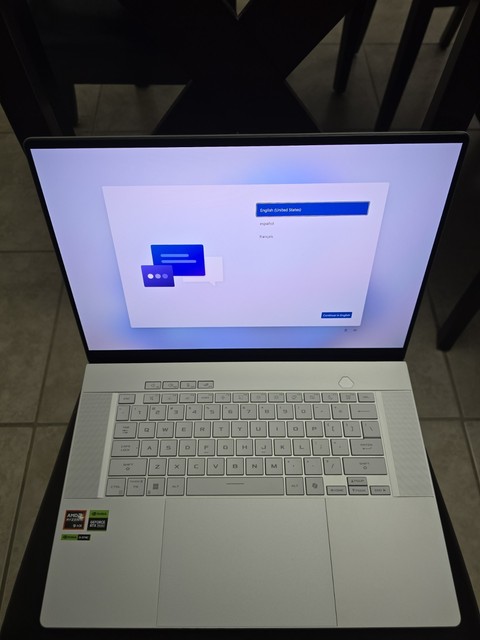
ASUS ROG Zephyrus G16
For power users who can’t compromise on performance: dual heat pipes and a vapor chamber keep clocks stable in heat.
- Dual heat pipes + copper vapor chamber
- High-refresh OLED option
- Discrete GPU
- Aggressive thermal design
- Holds performance steady where thinner laptops throttle
- Handles sustained workloads well
- Fans are audible under load
- Overkill if you only need light productivity work
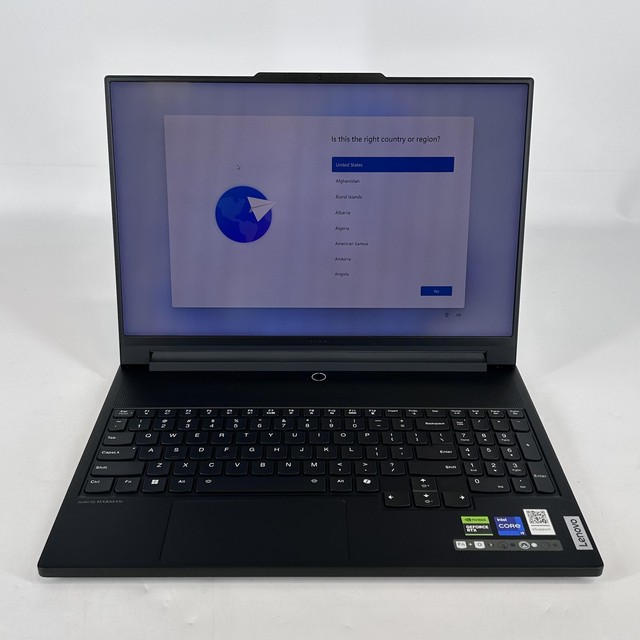
Lenovo Legion Pro 9i
Vapor-chamber cooling built for demanding, sustained workloads without heat-driven slowdown.
- Vapor chamber cooling system
- High-wattage discrete GPU
- High-refresh display
- Heavy-duty chassis
- Best-in-class thermal headroom for a laptop
- Stable performance under continuous load
- Large, heavy, and power-hungry for a hot climate without reliable AC
Buying tips
- A fanless laptop (like the MacBook Air) avoids the single biggest humidity failure point — a fan pulling in moist, dusty air over years of use.
- If you must buy a laptop with fans, look for models with sealed keyboards and MIL-STD-810H humidity testing rather than trusting marketing claims alone.
- Use a laptop stand or cooling pad and avoid soft surfaces (beds, cushions) that block vents — this matters more in a hot climate than in a temperate one.
As an Amazon Associate and eBay Partner, toptenpick.com earns from qualifying purchases. Prices and availability are subject to change.