

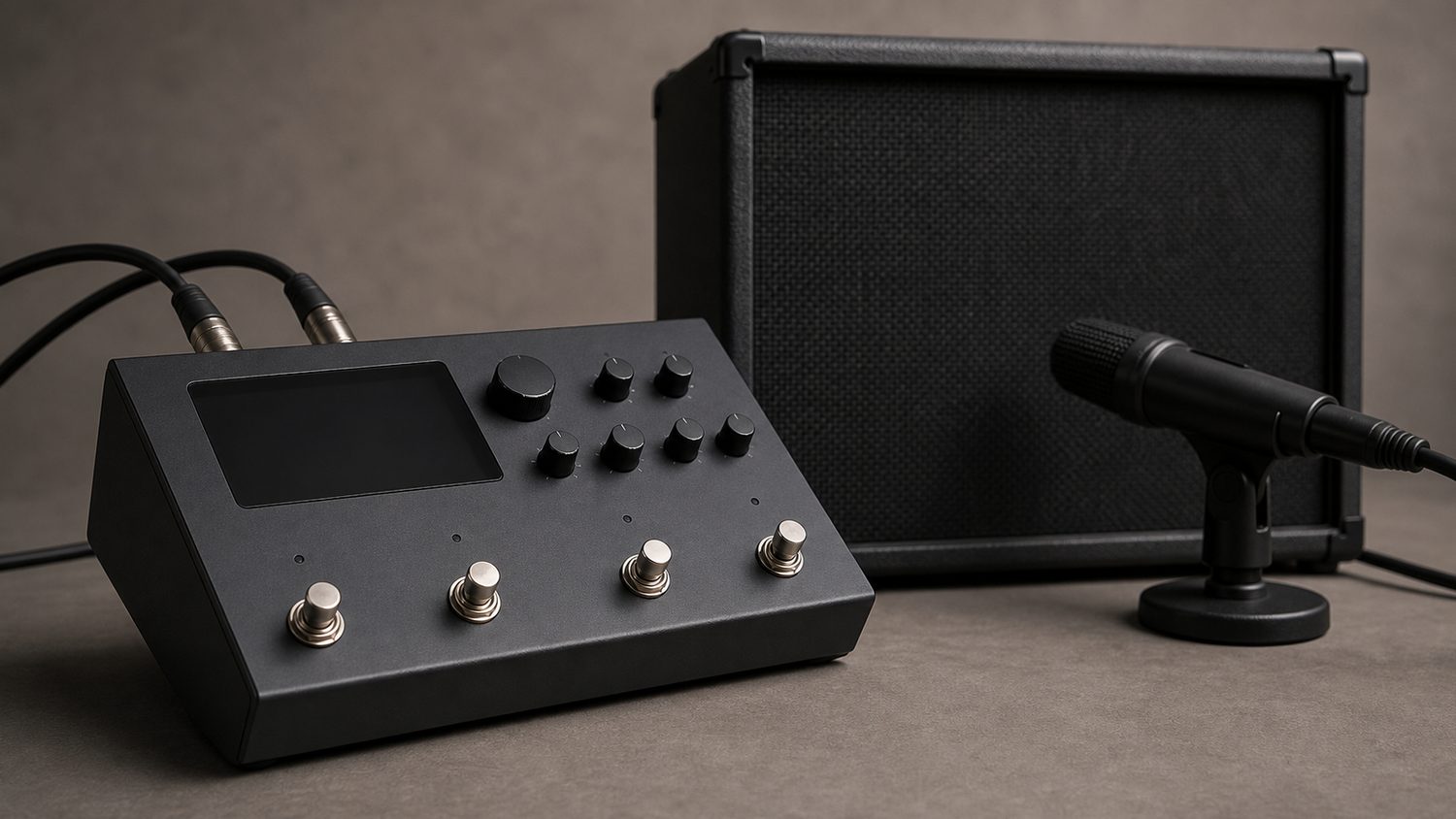
The Line 6 HX Stomp doesn’t ship with a cabinet you can touch or mic yourself, so the impulse response (IR) you load into its Cab block does most of the work of making a modeled amp sound like a real speaker in a real room. IRs are digital files, not physical gear — there’s nothing to buy on Amazon or eBay here, just files to download and load. This guide covers what the HX Stomp actually supports, and which IR makers are real, established names worth your time.
What the HX Stomp actually supports
The HX Stomp natively supports 48kHz, 16-bit, mono .wav IRs up to 2,048 samples long. If you import a file with a different sample rate, bit depth, length, or stereo format through HX Edit, the software converts and truncates it automatically before sending it to the unit — you don’t need to pre-process third-party IRs yourself. The HX Stomp can store up to 128 IRs at a time, loaded into the dedicated IR slots and assigned to a Cab block in your signal chain via HX Edit.
Real IR sources worth using
- Celestion (celestionplus.com) — IRs made directly by the speaker manufacturer itself, captured across their own cabinet lineup (closed- and open-back 1×12, 2×12 and 4×12 configurations) at multiple sample rates. Celestion offers free sample downloads alongside its paid packs, so it’s a reasonable place to start before spending money.
- OwnHammer — one of the most established third-party IR studios, known for cabinet-specific packs like Classic Rock Essentials (vintage Marshall 4×12 with Celestion Greenbacks, roughly late-60s to early-80s rock tones), Modern Progressive Essentials (built for heavier, down-tuned styles), and the (r)Evolution Bundle, which OwnHammer positions as its flagship multi-cabinet library.
- ML Sound Lab — another long-running IR studio, well regarded for its Bogner cabinet captures and its “Bulb” and Mesa-style traditional 4×12 packs. Frequently cited by HX Stomp and Helix users as sounding “right” straight out of the box without heavy EQ correction.
- Seacow Cabs — a well-known source of free IR packs (available via seacowcabs.wordpress.com), a good no-cost way to build out a starting IR library before committing to a paid pack.
How to load a third-party IR pack
- Download the pack as individual .wav files (most commercial packs deliver these already in a compatible mono format).
- Connect the HX Stomp to a computer via USB and open HX Edit.
- Open the Impulses tab/column in HX Edit and drag the .wav files in — HX Edit handles any sample-rate or length conversion automatically.
- In your preset’s signal chain, add or edit a Cab/IR block and assign it to the newly imported impulse.
Buying tips
- Try free packs first (Celestion’s sample downloads, Seacow Cabs) before paying for a full commercial library — IR “feel” is subjective, and what sounds right on someone else’s demo track may not suit your amp block and pickups.
- Match the IR’s mic position and cabinet type to your amp block, not just the amp brand — a close-mic’d, aggressive IR paired with a clean amp model often sounds harsher than a cabinet captured with a slightly more distant mic.
- Remember the HX Stomp caps IRs at 2,048 samples; if a pack advertises very long “true stereo” captures for other platforms, confirm it also ships a mono version sized for Helix/HX hardware.