

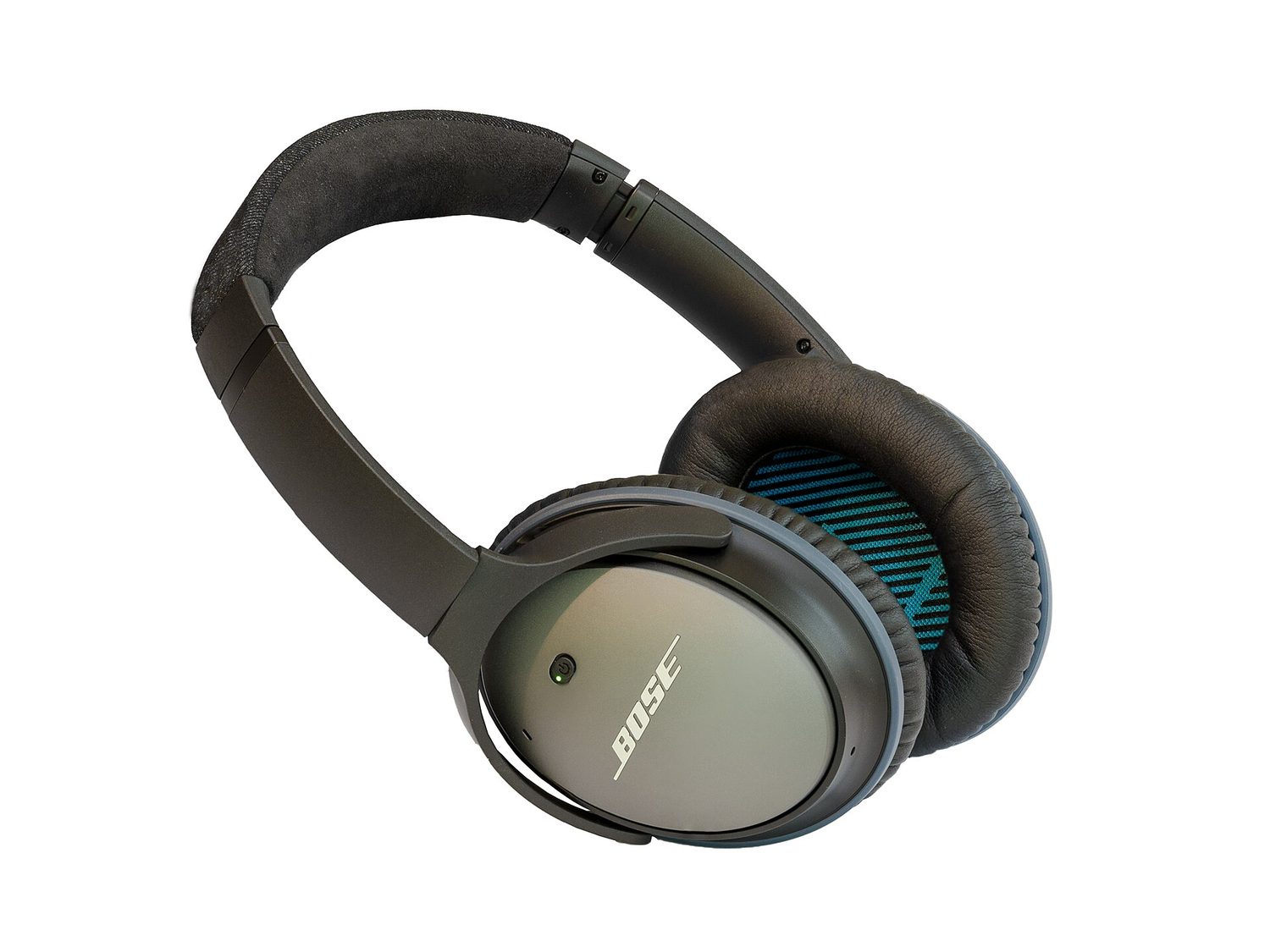
The best EQ for Bose headphones is not a fixed set of numbers. Bose models expose different controls, apps, and preset names, and the right adjustment depends on the recording, listening volume, and your own hearing. Start with Flat, make one small change at a time, and save a custom setting only after listening to familiar music at normal volume. An aggressive bass or treble boost can sound exciting for a minute while hiding vocals, tiring your ears, or making recordings sound harsh.
Bose’s current QuietComfort Headphones guidance lists Flat EQ, Bass Boost, Bass Reducer, Treble Boost, Treble Reducer, and Custom EQ. Other models may present bass, midrange, and treble controls with a different range. That is why the settings below are relative moves, not one set of numbers for every Bose headphone.
Best starting point: Flat EQ
Begin with Flat when evaluating a new pair of Bose headphones or a new album. It provides the manufacturer’s unadjusted equalization and gives you a reliable baseline. Listen to a familiar track with a vocal, a bass instrument, and cymbals or acoustic detail. If nothing consistently bothers you, Flat is already the best setting; changing EQ simply because the control exists is not an upgrade.
Use Flat again after making any custom adjustments. Switching between the two at the same volume reveals whether a boost has improved the part of the sound you care about or merely made it louder. EQ comparisons are easy to misjudge when one setting has more perceived volume, so avoid changing phone volume while testing.
Best for more weight: a small Bass Boost
Try a small Bass Boost for electronic music, hip-hop, pop, or a recording that feels thin at low volume. Bass adjustment adds emphasis to kick drums, bass lines, and the low end of orchestral music. It should make the foundation easier to hear, not turn every note into a blur.
Stop increasing bass when vocal consonants, acoustic instruments, or the rhythm of the bass line become less distinct. If your Bose model lets you make custom adjustments, use the smallest change that fixes the problem. The same track may need no boost at all when played louder, in a quiet room, or from a different source.
Best for clearer speech and detail: a modest Treble Boost
Treble Boost can help a dull recording reveal vocal articulation, guitar attack, cymbal detail, and speech clarity. Use it carefully with podcasts or dense music when words seem buried. It is not a cure for a poor recording, poor Bluetooth connection, or excessive background noise.
Too much treble often makes “s” sounds, cymbals, and distorted guitars sharp. If you find yourself lowering the volume because the sound is fatiguing, return toward Flat or use Treble Reducer instead. A comfortable setting should remain comfortable for a full album, commute, or film rather than impress only during a quick sample.
Best for harsh recordings: Treble Reducer
Treble Reducer is useful when a particular mix sounds brittle, when old recordings emphasize hiss, or when spoken audio has piercing consonants. Bose includes this option alongside Treble Boost on supported QuietComfort Headphones. It can make long listening easier, but it may also remove useful dialogue definition if applied too strongly.
Test it with a spoken section and a music passage. If the harsh edge disappears while words remain easy to follow, it is doing its job. If voices become muffled, reduce the adjustment. Do not use an EQ reduction to compensate for an improper headphone fit or a streaming app that is using unexpectedly low-quality audio.
Best custom EQ: solve one repeatable issue
Use Custom EQ only after identifying a repeatable need. For example, a listener may want a slight bass increase for quiet commuting, a mild treble reduction for a bright podcast, or a small midrange lift where their model offers it and voices consistently feel recessed. Change one control, listen, then decide whether a second change is necessary. Stacking large bass and treble boosts can create a dramatic sound while leaving the middle of the mix less natural.
Model support matters. Bose’s Noise Cancelling Headphones 700 support page describes bass, mids, and treble adjustments in the Bose app, while the newer QuietComfort Headphones page emphasizes presets and custom equalization. Open the support page for the exact model and verify the names and available controls in its current app before following a setting from another Bose product.
A simple EQ test routine
- Update and connect the correct app. Bose explains that the app exposes controls that ordinary Bluetooth settings may not provide.
- Choose two familiar tracks and one spoken clip. Use the same source and volume for every comparison.
- Start Flat. Note whether the issue is bass weight, vocal clarity, or harshness.
- Make one small adjustment. Compare it with Flat, then listen for several minutes before saving it.
- Use separate presets when supported. A film, a podcast, and bass-focused music can reasonably need different gentle adjustments.
Flat is the best universal answer; a small Bass Boost is the first experiment for thin low end, and a modest Treble Boost or Reducer is for a clear, repeatable detail problem. Let your exact Bose model’s app determine the available controls, and let longer listening decide whether the custom setting is actually better.