

As an Amazon Associate and eBay Partner, toptenpick.com earns from qualifying purchases. Prices and availability are subject to change.
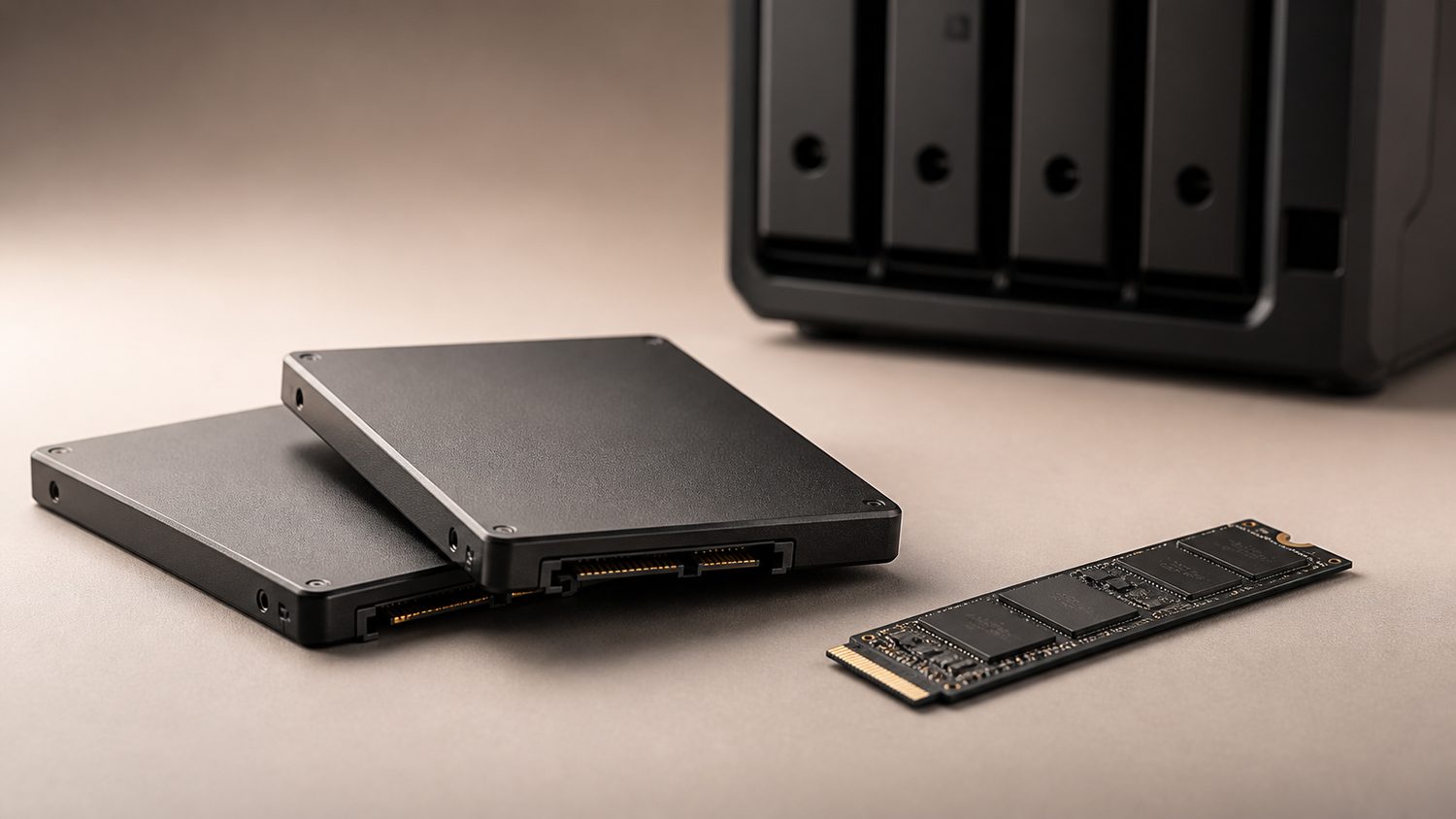
An Unraid cache pool absorbs every write before the array’s parity calculation gets involved, so it takes far more sustained write traffic than a typical desktop boot drive. That makes endurance (TBW) and power-loss behavior matter more than peak sequential speed. These are real, currently sold NVMe/SATA SSDs homelab builders actually run as Unraid cache, from NAS-purpose drives to mainstream high-endurance consumer options.
| # | Product | Price | Where to buy |
|---|---|---|---|
| 1 | WD Red SN700 | $120-$350 | Amazon · eBay |
| 2 | Seagate IronWolf 510 | $150-$400 | Amazon |
| 3 | Samsung 990 Pro | $100-$220 | Amazon · eBay |
| 4 | WD Black SN850X | $100-$220 | Amazon · eBay |
| 5 | Kingston KC3000 | $90-$300 | Amazon · eBay |
| 6 | Crucial T500 | $85-$210 | Amazon · eBay |
| 7 | Samsung 970 EVO Plus | $60-$150 | Amazon · eBay |
The picks, in detail

WD Red SN700
Western Digital’s NAS-purpose NVMe drive, built and firmware-tuned specifically for sustained cache and write-heavy workloads like Unraid.
- PCIe Gen 3 NVMe
- NAS-tuned firmware
- Up to 5,100 TBW at 4TB
- Purpose-built for exactly this job, not a repurposed desktop drive
- High endurance rating for the cache workload
- PCIe Gen 3 speeds trail newer Gen4/Gen5 consumer drives
Seagate IronWolf 510
Seagate’s NAS-purpose NVMe SSD, engineered specifically for continuous cache duty in NAS systems rather than adapted from a consumer line.
- PCIe Gen 3 NVMe
- NAS-validated endurance
- 24/7 duty-cycle rated
- Built from the ground up for NAS cache workloads
- Reliable for sustained multi-drive-day operation
- Premium pricing versus mainstream consumer NVMe drives

Samsung 990 Pro
A mainstream PCIe Gen4 flagship with strong endurance (up to 1,200 TBW at 2TB) — the most common non-NAS-branded pick for Unraid cache.
- PCIe Gen4 NVMe
- Up to 1,200 TBW (2TB)
- 5-year warranty
- High performance headroom for VM/Docker-heavy Unraid setups
- Strong, well-documented endurance
- Not NAS-specific firmware or validation

WD Black SN850X
WD’s mainstream PCIe Gen4 performance drive, matching the Samsung 990 Pro’s endurance and a common alternative for Unraid cache builds.
- PCIe Gen4 NVMe
- Up to 1,200 TBW (2TB)
- Optional heatsink model
- Comparable endurance and speed to the 990 Pro
- Widely available with a heatsink variant for tight NAS cases
- Also not NAS-specific firmware

Kingston KC3000
A PCIe Gen4 drive with a low-profile graphene heat spreader, useful in Unraid cases with limited clearance above the M.2 slot.
- PCIe Gen4 NVMe
- Low-profile graphene aluminum heat spreader
- Up to 4TB capacity
- Slim heatsink fits tight NAS/server cases better than tall aftermarket coolers
- Strong sustained write performance
- Slightly less common in NAS-specific buying guides than Samsung/WD

Crucial T500
Crucial’s PCIe Gen4 performance drive, comparable in speed and endurance class to the SN850X and 990 Pro for cache duty.
- PCIe Gen4 NVMe
- High sustained write performance
- Available with or without heatsink
- Competitively priced against Samsung/WD equivalents
- Good sustained-write behavior for cache traffic
- Smaller ecosystem of NAS-specific reviews than WD Red or IronWolf

Samsung 970 EVO Plus
An older but still-sold PCIe Gen3 drive with solid endurance for its class — a budget option for boards without Gen4 M.2 slots.
- PCIe Gen3 NVMe
- TLC NAND
- Established, well-documented reliability
- Lower cost than current Gen4 flagships
- Proven long-term reliability track record
- Superseded by Samsung’s Gen4/Gen5 lines — pick this only for a Gen3-only board
Buying tips
- Prioritize TBW (endurance) over peak sequential speed — an Unraid cache absorbing Docker/VM writes 24/7 wears a low-endurance QLC drive out much faster than a desktop boot drive would.
- NAS-purpose drives (WD Red SN700, Seagate IronWolf 510) trade top-end speed for firmware tuned to sustained, continuous writes — worth it if the cache also runs containers or VMs around the clock.
- Mirror the cache pool across two drives if it holds anything you can’t afford to lose before the nightly mover job runs — a single-drive cache pool has no redundancy.
- Check your motherboard/HBA’s M.2 slot generation before buying a Gen4 or Gen5 drive — a Gen3-only board won’t unlock the extra speed, so a cheaper Gen3 drive like the 970 EVO Plus may be the better value.
As an Amazon Associate and eBay Partner, toptenpick.com earns from qualifying purchases. Prices and availability are subject to change.