

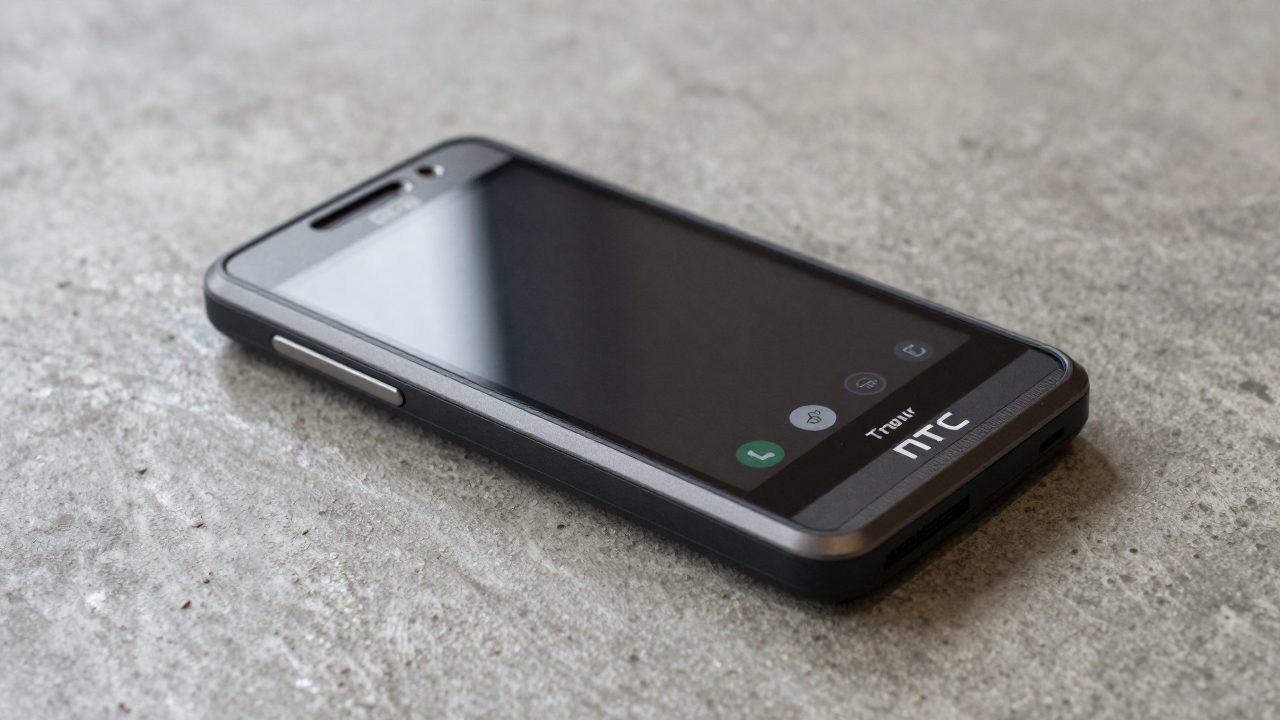
The HTC ThunderBolt is Verizon’s 2011 LTE handset, commonly identified in development archives as the ADR6400L and codename mecha. It is a legacy device, so “best ROM” is not a current shopping question. The responsible answer starts with the exact model, radio, bootloader state, recovery, and a copy of the original firmware—not with a random modern Android ZIP.
Confirm the exact phone first
Remove the battery or inspect the boot screen and verify ADR6400L/ThunderBolt. Do not use files for HTC’s similarly named devices, GSM models, or later One phones. A ROM, boot image, recovery image, radio image and firmware package are different partitions; flashing one in the wrong place can prevent booting. Old forum titles often omit those distinctions, which is why a dead link or a vague “ThunderBolt ROM” claim is unsafe.
Why the archives are difficult
ThunderBolt development peaked in the Android 2.x–4.x period. CyanogenMod was discontinued and later continued as LineageOS, but that transition does not mean every old device gained current official support. Broken hosting, expired mirrors, incomplete MD5 hashes and reposted files are normal for this era. Treat an archive only as evidence of what existed unless it includes the exact device, version, maintainer documentation and a matching checksum. Never disable signature checks or flash an unverified ZIP merely because a comment says it worked years ago.
Bootloader and recovery constraints
Before any change, boot to the bootloader and record the displayed version. Read the original device-specific instructions for whether S-ON/S-OFF status, firmware version, hboot, or a particular recovery is required. Back up the current boot, system, data and any recovery-accessible partitions to removable storage, and copy that backup away from the phone. A Nandroid backup is useful only if it can be read later; verify the backup completed and retain stock files before changing recovery.
ROM-era limits
Old kernels and proprietary LTE components were built around old Android releases. A page advertising a very recent Android version for a 2011 phone needs unusually strong proof: source links, a known device tree, functioning-call and radio reports, reproducible installation instructions, and an active maintainer. Without that evidence it may be a generic build, an abandoned experiment, or a malicious repack. Even a legitimate old ROM has security limitations: its browser, TLS support, app ecosystem and Android security patch level are obsolete. Do not use such a phone for banking, password management, work accounts, or sensitive two-factor codes.
How to choose responsibly
For a collector or offline project, prefer the newest well-documented build that explicitly names mecha/ADR6400L and supplies an intact checksum. Read the last several pages of the original development thread for known failures, required firmware, recovery compatibility and rollback notes. For a phone that must make reliable calls or use current services, stock restoration or replacement hardware is safer than custom ROM hunting. The best outcome may be preserving a working legacy device rather than forcing it to run a modern app stack.
Data, radio and account risks
Old ROM instructions may tell you to wipe data, cache, or system. Those operations are destructive, and an old device may contain photos, SMS history, authentication tokens or personal contacts that are not backed up. Export what you can before beginning. Radio firmware is especially sensitive: it is not a cosmetic update and should never be substituted from another HTC model. If the phone is SIM-locked, carrier-locked, or relies on a legacy Verizon service, a custom Android build will not remove those network constraints.
After installing any preserved build, keep it offline until you have tested its basic functions. Do not restore every old application automatically: old APKs may be insecure or incompatible. Prefer a local music player, camera experiment, development project, or collector display role. If Google sign-in is required, use a noncritical account and understand that current Play services may not support the old Android version. These practical limits are why a documented old ROM is a hobby project, not a security update.
Safe workflow
- Charge the phone, use a reliable cable, and keep a copy of stock firmware and recovery instructions offline.
- Verify model, bootloader display, ROM filename, hash and partition target before flashing.
- Make and export a recovery backup before every material change.
- Flash only the exact device-specific package from a credible primary thread or preserved archive.
- Test boot, calls, cellular data, Wi-Fi and camera before relying on the device.
- If it fails to boot, stop; do not stack random fixes from other HTC models.
This guide intentionally does not rank download links. The safe choice depends on an archived, verifiable mecha build and your exact bootloader state, while random modern-ROM claims create more risk than value on a 2011 device.