

As an Amazon Associate and eBay Partner, toptenpick.com earns from qualifying purchases. Prices and availability are subject to change.
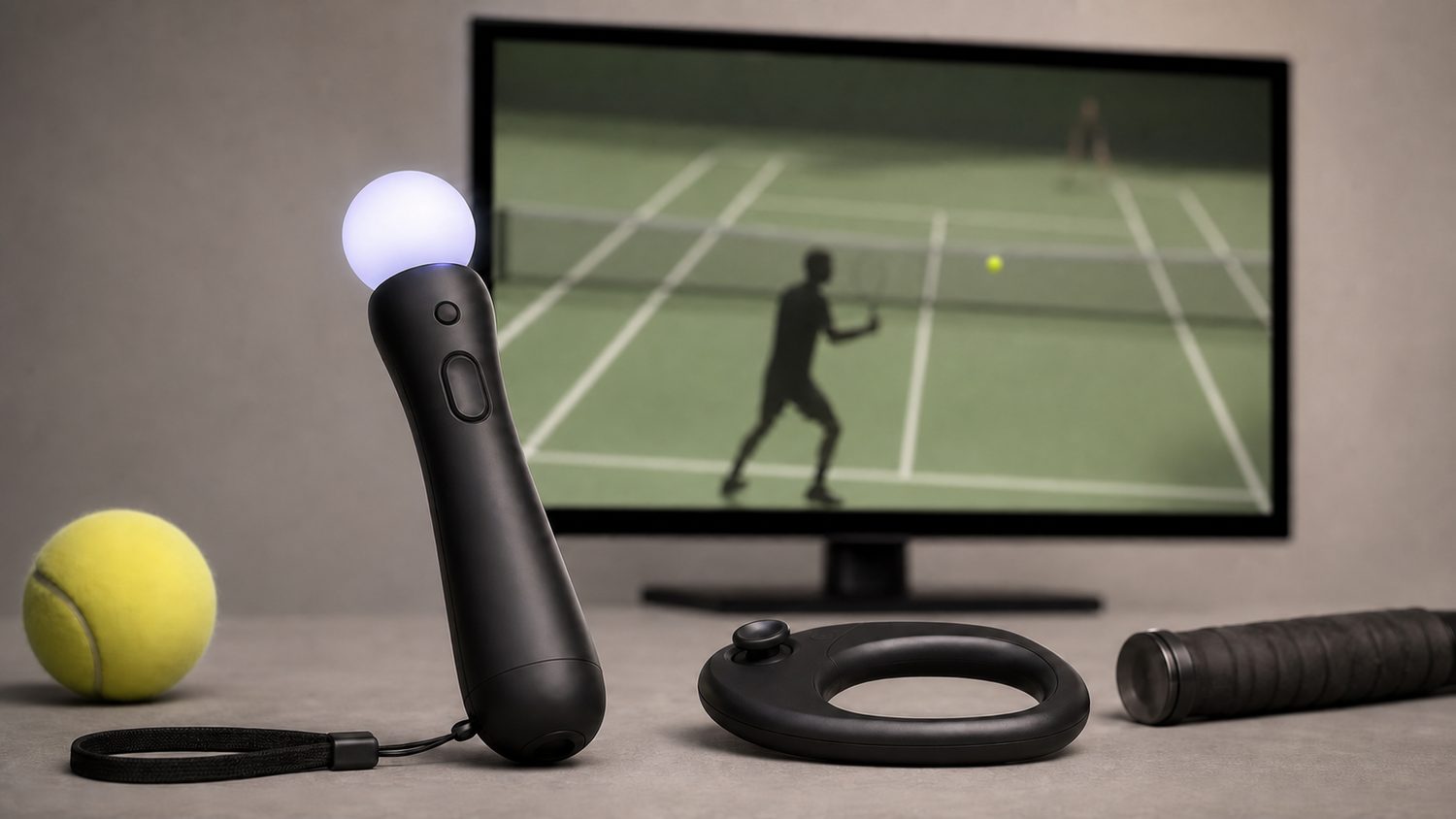
There are not many PlayStation Move tennis games, and the two best ones use the Move in fundamentally different ways. Knowing which is which before you buy is the whole decision.
Virtua Tennis 4 uses the Move for everything. You hold the controller like a racquet and swing — forehands, backhands, serves, overheads — and the game moves your player around the court for you. The result is immediate, intuitive and physical. You stand up, you swing, it works. It is closer to a sports toy than a simulation, and that is a compliment in this context: hand it to someone who has never played a video game and they will be rallying within a minute.
Top Spin 4 splits the job. The Move handles the racquet, but movement and shot aiming go through a Navigation controller or a DualShock in your other hand. That is more work and it is also more control — you decide where you stand, which is the actual skill in tennis, and the game underneath is a far deeper simulation with real shot mechanics and a proper career mode. It rewards practice in a way Virtua Tennis 4 does not.
So: party game or simulation. Virtua Tennis 4 for a room full of people and a coffee table pushed back. Top Spin 4 if you want to get better at something over weeks. Neither is the wrong answer, but buying the wrong one for your purpose is the common disappointment.
One practical warning that applies to everything below. Move needs a PlayStation Eye camera, and the tracking quality depends heavily on your room — the camera has to see the glowing sphere clearly, so bright sunlight, a window behind you or a strong lamp in frame will make the game seem broken when the problem is lighting. And the second player needs a second Move controller, which on a console this old means hunting second-hand.
Ten picks below: the games that genuinely exist, and the hardware you need to play them.
| # | Product | Price | Where to buy |
|---|---|---|---|
| 1 | Virtua Tennis 4 (PS3) | $15-$35 used | Amazon · eBay |
| 2 | Top Spin 4 (PS3) | $15-$40 used | Amazon · eBay |
| 3 | Racquet Sports (PS3) | $10-$25 used | Amazon · eBay |
| 4 | Sports Champions (PS3) | $5-$15 used | Amazon · eBay |
| 5 | Sports Champions 2 (PS3) | $10-$25 used | Amazon · eBay |
| 6 | PlayStation Move Motion Controller | $15-$40 used | Amazon · eBay |
| 7 | PlayStation Eye Camera | $8-$20 used | Amazon · eBay |
| 8 | PlayStation Move Navigation Controller | $15-$35 used | Amazon · eBay |
| 9 | Move Charging Dock | $12-$30 | Amazon · eBay |
| 10 | Move Racquet Attachment | $8-$20 | Amazon · eBay |
The picks, in detail
Virtua Tennis 4 (PS3)
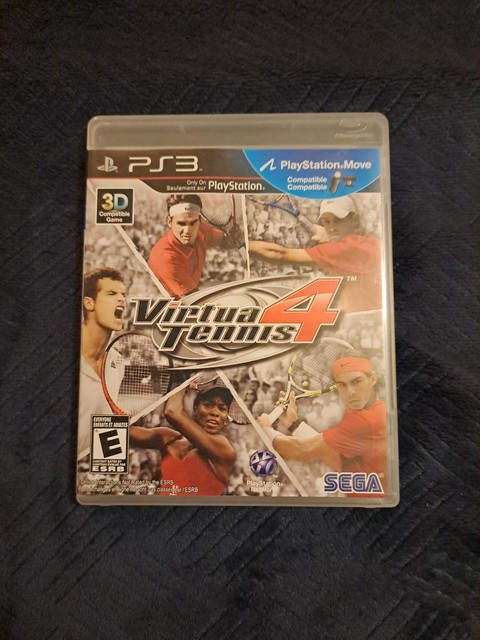
The best pure Move tennis experience on the console and the one to buy if anyone other than you will be playing. Full Move control means you simply swing — the game handles positioning, so there is nothing to learn beyond the swing itself. The motion tracking picks up both broad swings and subtle wrist movements, so shot placement responds to how you actually move rather than to a button. It is bright, forgiving and instantly playable, and it holds up remarkably well as a party game.
- Full PlayStation Move control, no second controller needed
- Automatic player movement
- Tracks both broad swings and fine wrist motion
- World Tour mode and multiplayer
- Anyone can play within a minute
- Only needs one Move controller per player
- The most physical of the tennis options
- Automatic movement removes the positioning skill
- Shallower than Top Spin 4 for solo play
Top Spin 4 (PS3)
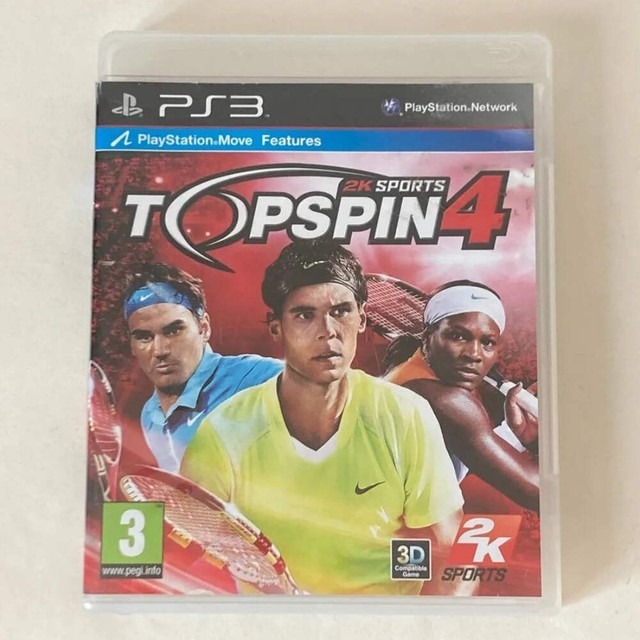
The simulation, and widely regarded as one of the best tennis games ever made. Move support exists but is partial by design: the controller is your racquet while a Navigation controller or DualShock handles movement and aim. That extra demand is the point — positioning is where tennis is actually played, and Top Spin 4’s shot system rewards timing and footwork over months rather than minutes. If you want a tennis game to get good at, this is it.
- Move for racquet, Navigation or DualShock for movement
- Deep shot timing and risk system
- Full career mode with player progression
- Extensive licensed player roster
- Genuine depth that rewards practice
- Widely considered a high point for the genre
- Works fully on a normal pad too
- Needs a second controller in your other hand for Move play
- Steeper learning curve for casual players

Racquet Sports (PS3)
The variety option: five racquet games in one disc — tennis, table tennis, badminton, squash and beach tennis — all built around Move control from the ground up. Nobody would call it the best tennis game here, and that is not really what it is for. As something to put on when there are five people in the room who want to try different things, it earns its place, and the non-tennis modes are genuinely a change of pace rather than reskins.
- Five racquet sports on one disc
- Built for Move control throughout
- Multiplayer across all modes
- Simple, accessible presentation
- Variety that the dedicated tennis games do not offer
- Designed around Move rather than retrofitted
- Cheap second-hand
- Tennis mode is weaker than the dedicated games
- Presentation is basic even for its era

Sports Champions (PS3)
The Move launch showcase, and worth being precise about: it has table tennis, not tennis, alongside archery, bocce, disc golf, volleyball and gladiator duel. It is here because its table tennis is one of the best demonstrations of Move tracking ever made — spin, angle and timing all register — and because it was bundled with so many Move controllers that copies are everywhere and cost almost nothing. If you want to know what the hardware can do, this is the disc.
- Six Move sports including table tennis
- Exceptional motion tracking fidelity
- Two-player local multiplayer
- Frequently bundled with Move hardware
- The best showcase of what Move tracking can do
- Extremely cheap and widely available
- Six activities rather than one
- Table tennis, not tennis — check before buying
- Some modes need two Move controllers
Sports Champions 2 (PS3)
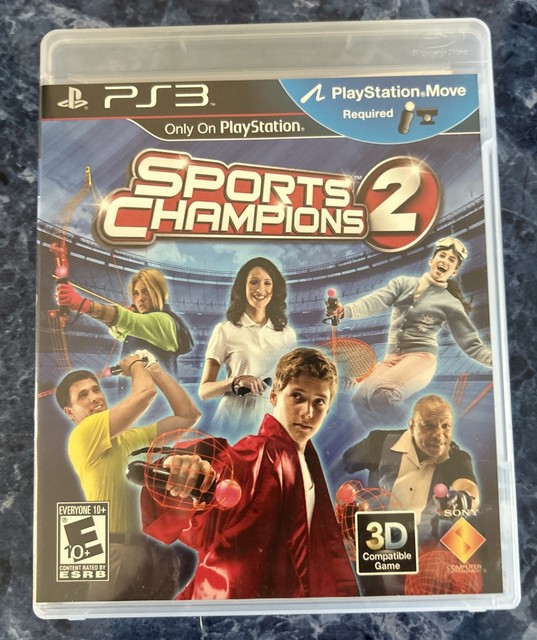
The sequel, with a different activity list — tennis appears here alongside boxing, golf, bowling, skiing and archery. The tennis is a casual, arcade-style take rather than a simulation, in keeping with the rest of the package. Worth picking up alongside the first one if you like the format, since between them they cover a dozen activities and both can usually be had for very little. Note that some modes want two Move controllers.
- Six activities including tennis
- Move-controlled throughout
- Local multiplayer
- Casual, accessible presentation
- Includes actual tennis, unlike the first game
- Good variety for a family evening
- Cheap second-hand
- Tennis is casual rather than a real game of it
- Several modes need a second Move controller

PlayStation Move Motion Controller
The controller itself, and you need one per player — the single most common reason a Move evening does not happen. The glowing sphere on the end is what the camera tracks, and its colour changes so the system can distinguish multiple controllers. Buying second-hand now, check two things: that the sphere lights up, and that the internal battery still holds a charge, since these are a decade old and lithium cells age whether used or not.
- Colour-changing tracked sphere
- Internal rechargeable battery, charges over mini USB
- Motion and rotation sensors
- Works with PS3 and later with PS VR
- Tracking is genuinely precise for its era
- Still useful with PS VR on a PS4
- Cheap on the second-hand market
- One needed per player
- Decade-old internal batteries often no longer hold charge

PlayStation Eye Camera
Non-negotiable — without the camera the Move controller is inert, because the camera is what sees the sphere and works out where it is in space. It is the same camera sold for earlier PS3 games, so it is plentiful and cheap. Placement matters more than people expect: it needs a clear view of the play area at roughly chest height, and it must not be pointed into a window or a bright lamp, which washes out the sphere and makes tracking erratic.
- USB camera required for all Move tracking
- Four-microphone array
- Adjustable mounting angle
- Works above or below a television
- Absolutely required, and very cheap
- Plentiful second-hand
- Adjustable angle suits most rooms
- Tracking degrades badly in bright or backlit rooms
- Needs a couple of metres of clear space in front

PlayStation Move Navigation Controller
The other half of the Top Spin 4 setup, and worth knowing you may not need it. It is a one-handed controller with an analogue stick, held in your free hand to move your player while the Move handles the racquet. A DualShock 3 does the same job, so this is a comfort purchase rather than a requirement — it is lighter and more natural one-handed than holding half a normal pad. Only buy it if you play a lot of the games that use this scheme.
- One-handed controller with analogue stick
- Bluetooth, charges over mini USB
- Used alongside a Move controller
- A DualShock 3 can substitute
- Far more comfortable one-handed than a DualShock
- Light and simple
- Cheap second-hand
- A DualShock does the same job for nothing
- Only used by a handful of games
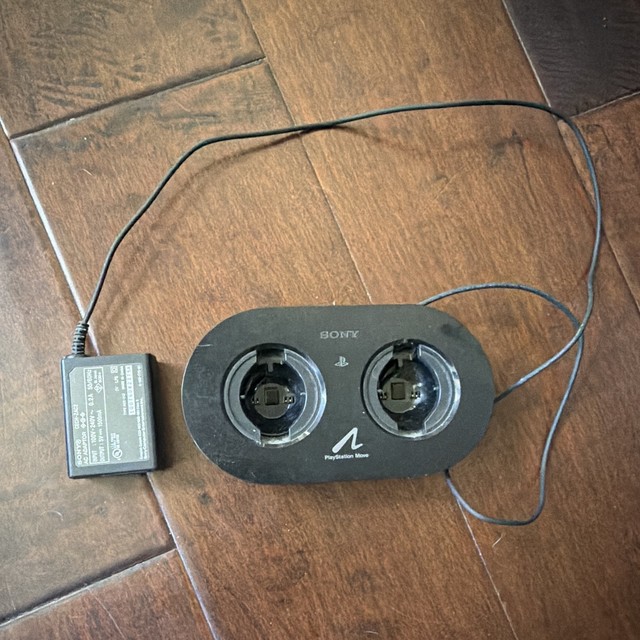
Move Charging Dock
The practical fix for the thing that actually ends a Move evening: flat controllers. Move controllers charge over mini USB from the console, which means trailing cables and remembering to plug them in, and on decade-old batteries the runtime is shorter than it was. A dual charging dock keeps two controllers topped up and gives them somewhere to live so they are not lost behind the sofa. Cheap, and it removes a recurring annoyance.
- Charges two Move controllers at once
- Charge status indicators
- Some models also take a Navigation controller
- USB or mains powered
- Controllers are always ready to play
- Somewhere permanent for them to live
- Cheap
- Cannot fix a battery that no longer holds charge
- Another thing on the shelf

Move Racquet Attachment
A plastic racquet frame the Move controller clips into, and honestly a mixed proposition. It makes the grip feel more like a real racquet and it looks the part, which matters for a party. But it changes the weight and balance of what you are swinging, and the sphere must stay visible to the camera — some attachments partially obscure it, which degrades tracking. If you buy one, check that the sphere sits proud and clear, and be ready to take it off if the game starts misreading shots.
- Plastic frame the Move clips into
- Wrist strap
- Sized like a small racquet
- Removable in seconds
- More convincing grip for party play
- Cheap novelty that people enjoy
- Comes off instantly if it causes problems
- Can obscure the sphere and degrade tracking
- Changes the swing weight noticeably
Buying tips
- Decide between party game and simulation first. Virtua Tennis 4 uses Move for everything and moves your player for you, so anyone can play within a minute. Top Spin 4 gives you the racquet but makes you handle movement with a second controller, and it is much deeper. Buying the wrong one for your purpose is the usual disappointment here.
- You need a PlayStation Eye camera, and it is not optional. The camera is what tracks the glowing sphere; without it the Move controller does nothing at all. It is cheap and plentiful second-hand, and it is the component people most often forget when buying a Move setup piece by piece.
- Lighting is the most common cause of ‘broken’ tracking. The camera has to see the sphere clearly, so a window behind you, direct sunlight or a bright lamp in frame will make the game seem unresponsive when nothing is wrong with it. Close the curtains, put the camera at roughly chest height, and try again before concluding the hardware is faulty.
- Each player needs their own Move controller. There is no way around this for two-player play, and it is the reason many Move evenings turn into one person playing while everyone watches. Prices are low second-hand; budget for two from the start if more than one person will play.
- Check the battery before buying a used Move controller. These are more than a decade old and the internal lithium cell is not user-replaceable on most units. A controller that will not hold a charge is effectively a tethered controller. Ask the seller whether it still runs on battery, and test it within any return window.
- Calibrate every session and re-calibrate if shots drift. Move tracking drifts with room lighting changes and controller orientation, and most games have a quick calibration step people skip. If your shots start going where you did not aim, that is almost always drift rather than the game. Thirty seconds fixes it.
- Clear more space than you think you need. A full tennis swing is wider than a living room encourages, and Move games have a long history of destroyed lampshades and knocked televisions. Push the coffee table back properly, use the wrist strap every time, and stand further from the screen than feels necessary.
- Sports Champions has table tennis, not tennis. It is an outstanding demonstration of what Move tracking can do and it is almost free second-hand, so it is worth owning either way — but if you specifically want tennis, that is Sports Champions 2, or better, one of the two dedicated games. It is a common mix-up when buying blind.
As an Amazon Associate and eBay Partner, toptenpick.com earns from qualifying purchases. Prices and availability are subject to change.