

As an Amazon Associate and eBay Partner, toptenpick.com earns from qualifying purchases. Prices and availability are subject to change.
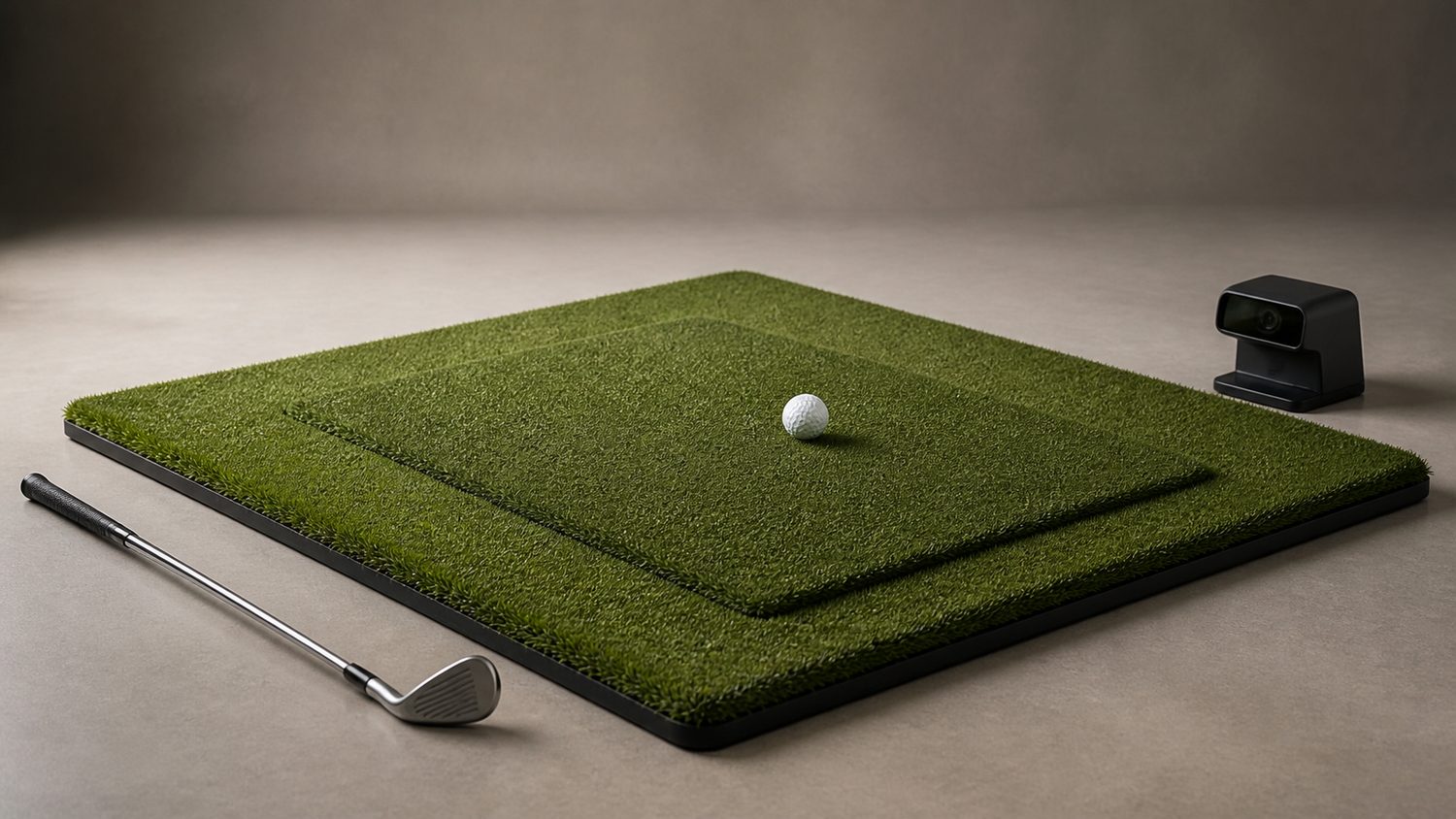
An OptiShot 2 needs more than any ordinary practice mat: the infrared swing pad has to remain exposed and level with the standing surface. Exact-fit mats have a pre-cut sensor opening; every general hitting mat below is a deliberate near match that requires a measured cutout and a level platform, not a claim of plug-and-play compatibility.
| # | Product | Price | Where to buy |
|---|---|---|---|
| 1 | Orlimar Golf Mat for the OptiShot 2 In-Home Golf Simulator, 3 x 5 ft | $55–$70 | Amazon · eBay |
| 2 | Orlimar Golf Mat for the OptiShot 2 In-Home Golf Simulator, 4 x 5 ft | $90–$120 | Amazon |
| 3 | USA Turf Pros 4 x 5 OptiShot Golf Simulator Mat, USA304I | $115–$130 | Amazon |
| 4 | OptiShot Ultimate Padded Thick Hitting Mat, 60 x 60 in | $300–$450 | Amazon |
| 5 | OptiShot Golf Mat, 1.5 m x 1.2 m | $150–$250 | Amazon |
| 6 | Country Club Elite Real Feel Golf Mat, 5 x 5 ft | $500–$700 | Amazon · eBay |
| 7 | Big Moss True Launch Hitting Mat, 4 x 5 ft | $250–$350 | Amazon · eBay |
| 8 | GoSports Golf Hitting Mat PRO, 5 x 4 ft | $80–$120 | Amazon · eBay |
| 9 | Carl’s Place HotShot Golf Hitting Mat, 4 x 5 ft | $450–$650 | Amazon |
| 10 | SwingTurf Golf Hitting Mat, 4 x 5 ft | $250–$400 | Amazon · eBay |
The picks, in detail

Orlimar Golf Mat for the OptiShot 2 In-Home Golf Simulator, 3 x 5 ft
Exact-match 3 x 5 ft stance-and-hitting mat with a factory pre-cut opening for the OptiShot 2 infrared sensor base; no turf cutting is needed.
- 3 x 5 ft footprint
- pre-cut OptiShot 2 sensor-base opening
- ½ in nylon turf with 5 mm foam backing
- Factory cutout
- Compact full-stance surface
- Sensor pad sits raised unless the surrounding floor is built up
Orlimar Golf Mat for the OptiShot 2 In-Home Golf Simulator, 4 x 5 ft
Exact-match wider Orlimar version with the same pre-cut OptiShot opening; choose it where a larger stance surface matters.
- 4 x 5 ft footprint
- pre-cut OptiShot sensor-base opening
- nylon turf and foam backing
- More room around the ball
- No sensor cutout modification
- Still requires the pad and mat surfaces to be leveled
USA Turf Pros 4 x 5 OptiShot Golf Simulator Mat, USA304I
Exact-fit 48 x 60 in mat with a precision cutout stated to fit OptiShot 1 and 2 sensors.
- 48 x 60 in
- ½ in nylon turf
- 5 mm foam bottom
- precision sensor cutout
- Made for both OptiShot generations
- Larger than the 3 x 5 option
- The ¾ in total height must be matched to the sensor pad
OptiShot Ultimate Padded Thick Hitting Mat, 60 x 60 in
An OptiShot-specific 5 x 5 ft padded mat sold with a sensor-pad opening; select the handedness configuration before ordering.
- 60 x 60 in
- 1½ in thick padded top
- right- or left-hand configuration
- OptiShot fitment
- Very broad stance surface
- Purpose-built sensor integration
- Much thicker than the OptiShot pad, so it needs a matching raised platform
OptiShot Golf Mat, 1.5 m x 1.2 m
The original OptiShot-style mat is designed for flush mounting of the OptiShot 2 simulator directly into its dedicated opening.
- 1.5 m x 1.2 m
- dense foam and turf
- flush-mount OptiShot 2 opening
- Designed around the simulator
- No owner-cut sensor hole
- Availability is often tied to simulator packages

Country Club Elite Real Feel Golf Mat, 5 x 5 ft
Near match: durable 5 x 5 ft full-stance mat with four tee-hole sides, but it has no OptiShot cutout. It requires a carefully positioned sensor opening and a level base.
- 5 x 5 ft
- spring-crimped nylon fibers
- real-tee capable
- Large reversible stance area
- Commercial-style turf
- Not OptiShot-ready
- Cutting changes the product and needs a platform plan

Big Moss True Launch Hitting Mat, 4 x 5 ft
Near match with right- and left-hand tee holes, a rubber tee and ball tray; it has no sensor opening, so an OptiShot installation requires a measured cutout.
- 4 x 5 ft
- right- and left-hand tee holes
- rubber tee and ball tray
- Ambidextrous layout
- Useful all-in-one practice surface
- No factory OptiShot compatibility
- Requires cutting and height matching

GoSports Golf Hitting Mat PRO, 5 x 4 ft
Near match budget practice mat with 5 mm artificial turf and rubber tees. Use only as a DIY surround after marking the OptiShot pad location and building the pad flush.
- 5 x 4 ft
- 5 mm artificial turf
- three rubber tees
- Portable
- Low-cost stance turf
- No sensor cutout
- Thin turf alone will not level an OptiShot pad
Carl’s Place HotShot Golf Hitting Mat, 4 x 5 ft
Near match simulator mat for a custom platform. It does not accept an OptiShot pad without a separate, accurately cut sensor opening and a height-matched surround.
- 4 x 5 ft
- simulator-oriented hitting surface
- nonslip base option
- Appropriate size for a DIY bay
- Built for repeated hitting
- Not a drop-in OptiShot mat
- Requires modification

SwingTurf Golf Hitting Mat, 4 x 5 ft
Near match full-size turf mat that can form an OptiShot surround, but it has no sensor aperture and must be cut only after the pad and standing height are planned.
- 4 x 5 ft option
- dense turf surface
- indoor simulator use
- Full stance area
- Available in larger sizes
- No OptiShot-specific opening
- DIY cutout and platform required
Buying tips
- For an exact-fit mat, confirm the listing explicitly says OptiShot 2 or sensor-pad cutout; similar simulator mats are not automatically compatible.
- With a general mat, trace the pad on the backing, keep all infrared windows uncovered, and support the pad so its top is flush with the hitting and stance surfaces.
- Do not cover the sensor area with loose turf fibers. A cutout is a modification, and cutting before the pad is positioned can make the mat unusable.
As an Amazon Associate and eBay Partner, toptenpick.com earns from qualifying purchases. Prices and availability are subject to change.