

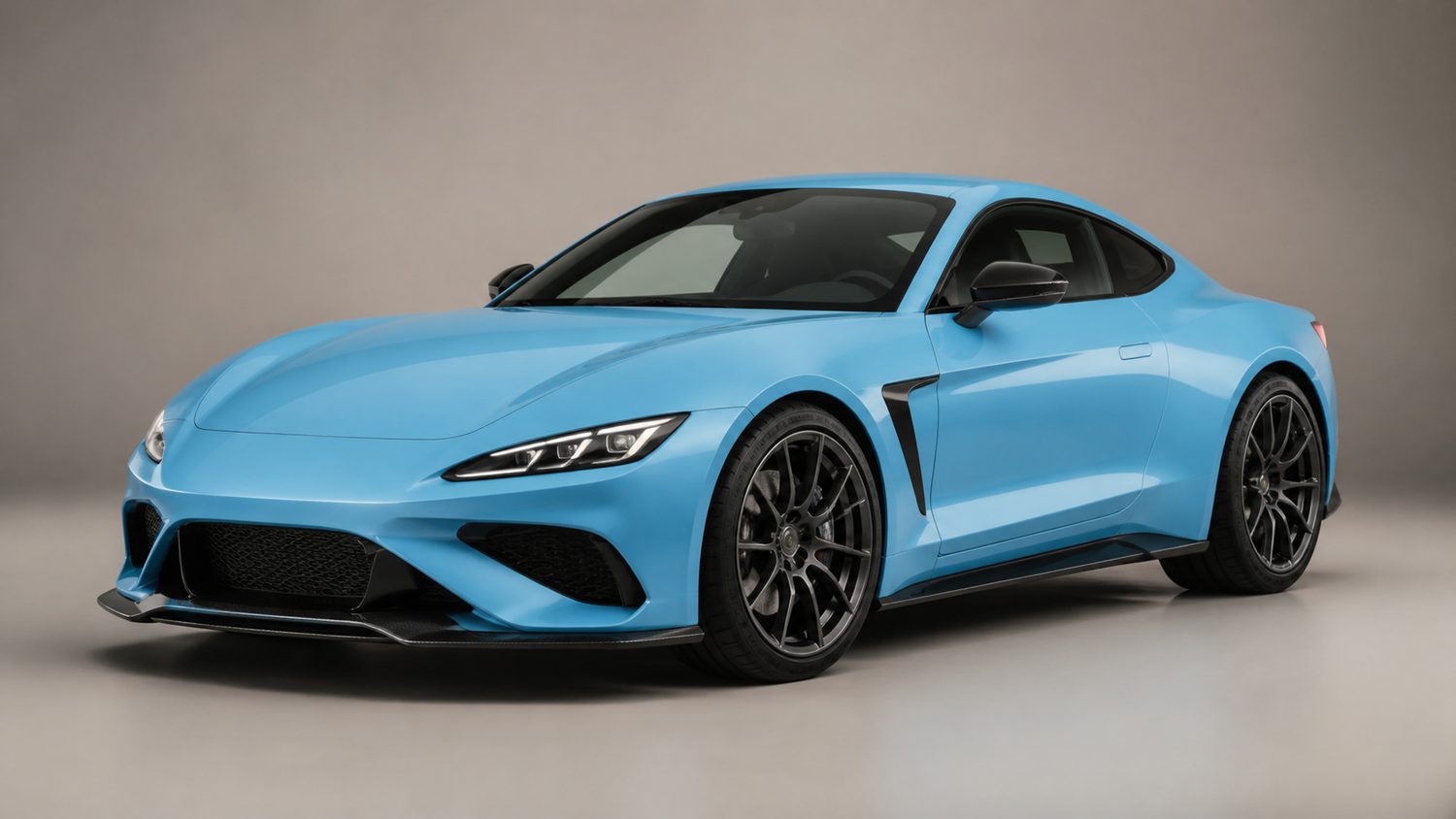
A strong Sky Blue Octane design works when the car body remains the main colour and the decal, wheels, boost, and trail each have one clear job. Sky Blue is a light, cool paint finish, so it can look clean with white, silver, navy, black, purple, or a restrained contrasting warm accent. Avoid treating every slot as an opportunity for another bright colour. The most readable designs use Sky Blue as the anchor and repeat one or two supporting tones.
Rocket League no longer allows player-to-player trading. Psyonix removed it in patch v2.34 on December 5, 2023, and says websites or servers advertising post-removal item trading are fraudulent. That changes how a design should be planned: build around items already in the Garage, current Item Shop offerings, and legitimate in-game acquisition paths rather than a supposed trade value or a promised swap.
Clean Sky Blue and white
The easiest design starts with Sky Blue Octane, a white or very light decal treatment, and wheels that read as white, silver, or pale grey. Keep the boost and trail in the same cool family. The appeal is contrast: the body supplies the colour while the light elements define the shape without competing with it.
This approach works well with simple decals because a busy decal can obscure the Sky Blue paint. If the decal has multiple animated elements or large colour fields, reduce the wheel and boost complexity. A clean setup should still be recognizable in a fast replay when the car is small on screen.
Sky Blue, navy, and black
For a darker competitive look, pair the Sky Blue body with navy or black elements. Dark wheels create an outline beneath the bright body, while a darker decal secondary colour can make the Octane look more compact. A black or dark-blue boost can fit the palette, but test it in Free Play: a boost that looks good in the Garage may be visually distracting against certain arenas.
Use this family when the goal is contrast rather than brightness. It is especially helpful if the body paint is light enough that an all-pale setup disappears against a bright stadium background. Do not add a third saturated colour unless it is a small detail such as a goal-explosion accent.
Sky Blue and purple
Sky Blue and purple sit close enough in a cool palette to feel deliberate without becoming monochrome. Choose a decal with limited purple detail, then use a wheel or boost that repeats the purple. This design has more personality than the white version but still keeps the car readable.
The limit is saturation. A deep purple wheel, purple boost, purple trail, and animated purple decal can overwhelm the body. Pick one large supporting component and one small repeat. If the wheel has a bright animated effect, choose a quieter decal. If the decal is the focus, choose a wheel with a simpler profile.
Sky Blue and pink or coral accents
A small warm accent can make Sky Blue feel more energetic. Pink, coral, or orange-red works best as a minor decal detail, wheel glow, boost, or trail rather than a second dominant paint field. The cool body and warm accent create contrast, but a full high-saturation warm decal can make the design read as two unrelated cars.
Start with the body and a neutral wheel. Add the accent to one slot, drive in Free Play, and decide whether the contrast reads at normal game distance. If it does not, remove the accent instead of adding another colour to force the design together.
Monochrome and metallic styling
Sky Blue also suits a near-monochrome design. Choose wheels, boost, and trail that are blue, cyan, grey, or white, then use a decal that preserves a large area of the body. Metallic or silver details can add structure without introducing a new hue. This is a useful route for a player whose Garage has limited matching items because neutral components usually combine more easily than highly themed cosmetics.
Check the paint finish and decal separately. A finish that adds shine or texture may change how the Sky Blue body reads under arena lighting. Preview the combination in more than one arena if possible. The goal is not a perfect screenshot; it is a car that remains distinct while driving, boosting, and turning.
Build a design from the Garage you actually own
- Start with the body. Equip Sky Blue Octane and select the team colour context you will use most.
- Choose one direction. Pick clean white, dark navy/black, cool purple, a warm accent, or near-monochrome. Do not mix all five.
- Set the decal first. Make sure it leaves enough Sky Blue visible to justify the body paint.
- Match wheels second. Wheels are large visual elements, so use them to repeat the main secondary colour or neutral.
- Keep boost and trail quieter. They are visible during movement; choose colours that support the car rather than obscure it.
- Test in motion. Garage lighting is useful, but Free Play shows how the composition reads at speed.
Current ownership rules
Use only items you already own or obtain through Rocket League’s supported systems. Psyonix says player-to-player trading is no longer available and that third-party sites offering trades after the change are fraudulent. Trade In remains for eligible duplicate Core Items, Tournament Items, and Blueprints, producing a random item of a higher rarity; it is not a way to request a specific Sky Blue cosmetic. Do not dismantle a matching item in hopes of recreating a design later.
The best Sky Blue Octane design is therefore not the one with a rumored trade price. It is the combination that keeps the paint visible, uses a clear palette, reads at game speed, and can be assembled legitimately from your own Garage.