

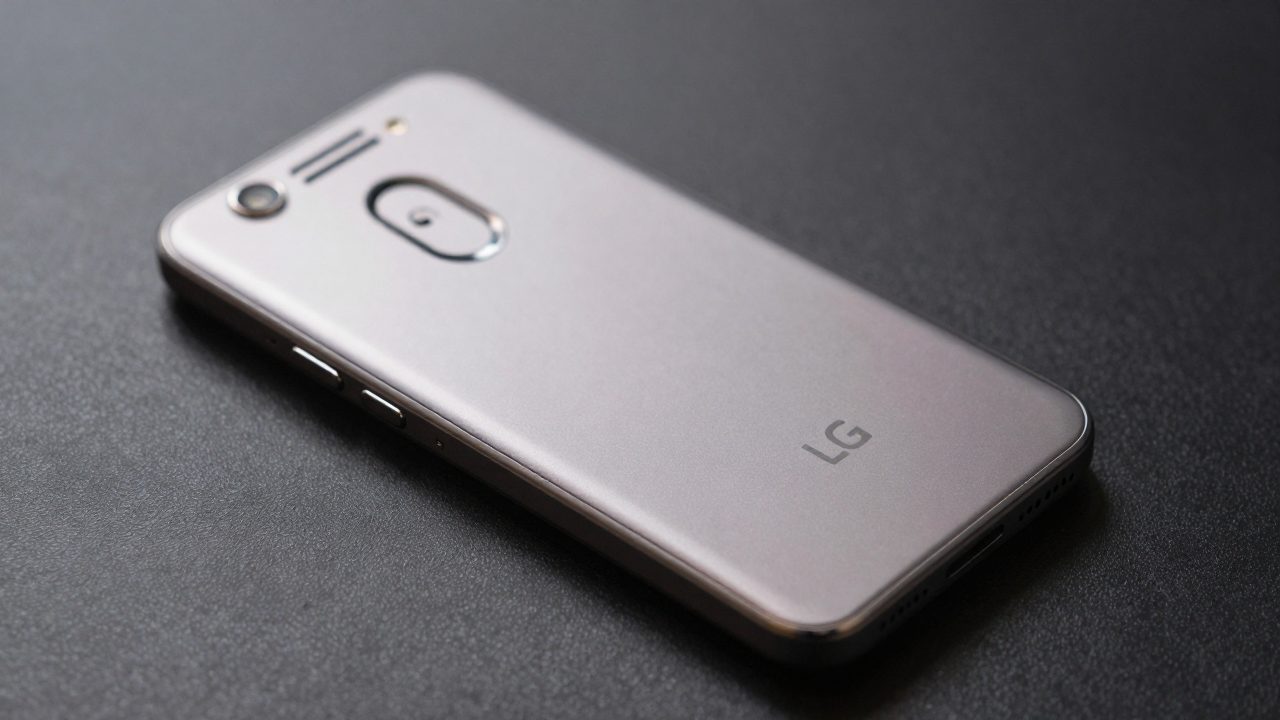
The safest answer is that there is no single best current ROM for every LG G6. The phone exists in several materially different variants, and the custom-ROM route depends first on an unlocked bootloader and a device-specific recovery, firmware base, and build. The current official LineageOS device roster does not present a maintained LG G6 download page. Community builds exist, but an old or unofficial ZIP is not equivalent to current official support.
For a G6 kept as a hobby, backup handset, or learning device, the most defensible candidate is a community LineageOS build that exactly matches a verified variant and has an active maintainer thread with a working recovery path. For a primary phone, especially one used for banking, work authentication, or emergency calls, the best choice may be to leave stock firmware in place or replace the aging hardware. Do not flash based on the name “LG G6” alone.
Identify the exact G6 before choosing anything
Check the model number in Android settings and on the device label. H870, H872, and US997 are separate variants, not interchangeable shorthand. The available community LineageOS 21 archive separates files into H870, H872, and US997 directories. A ZIP intended for H870 is not evidence that it can be installed on H872 or US997. Regional firmware, carrier configuration, partition layout, radios, and bootloader state can make the difference between a working installation and an unbootable phone.
Write down the model number, current Android version, carrier status, and whether the bootloader is already unlocked before downloading a recovery image or ROM. If the number does not exactly match a build’s stated target, stop. Do not use a “close enough” guide, cross-flash a recovery, or substitute another region because the phone has the same screen and processor.
Official LineageOS support is not the same as a buildable code path
LineageOS source still contains LG G6 H870 device code in its public manifest, which can make searches look more promising than they are. Source presence can help developers build or revive support; it does not mean there is a current official download, tested install guide, or security-update channel for ordinary users. The official LineageOS documentation makes the distinction clearly for retired devices: a build guide can remain available for private builds even after maintenance ends.
That is why “best ROM” should not mean “newest Android version printed in a forum title.” An official build channel has a named device page, current downloads, documented installation steps, and known quirks. A private or unofficial build needs separate trust decisions: who built it, when it was last updated, whether its source is available, which firmware it expects, and whether other owners report core functions working. If those answers are missing, do not make it your daily driver.
Community LineageOS 21: only a historical candidate, not a current recommendation
A SourceForge LG G6 project hosts unofficial LineageOS 21 files for H870, H872, and US997. Its listed H870 build is dated February 2024. That establishes that a community Android 14-era build was published for named variants; it does not establish that the build is maintained, safe for every revision, or suitable for present-day security needs. Treat it as an archival option for experienced owners who can verify file integrity, device matching, and a recovery route.
Do not present that archive as an official LineageOS download. Its filenames explicitly say unofficial. Before considering it, find the maintainer’s current discussion thread or source repository, read all known issues, and confirm that the exact G6 model is included. If the latest credible information is old, preservation use is the honest category: offline media, testing, or a spare device, not a blanket upgrade for a phone carrying sensitive accounts.
The bootloader is the gating decision
An unlocked bootloader is required for normal custom-ROM installation. LG’s developer notices show that bootloader-unlock requests were removed from the developer-service privacy notice after the service ended, so a new owner cannot rely on LG’s former portal. Community resources may describe unofficial paths for some variants, but LineageOS itself warns that unofficial unlock methods are not supported or recommended by the project.
That warning deserves weight. An unlock method can permanently erase data, change verified-boot behavior, or leave a device difficult to recover. Never pay for an unverifiable remote unlock, send an IMEI to an unknown seller, or follow a video without a recoverable stock-firmware procedure for the exact model. If the phone is carrier locked, owned by someone else, financed, or lacks a documented recovery route, do not attempt a ROM installation.
What to verify before flashing
- Exact model: match every file to H870, H872, US997, or the precise variant named by the maintainer.
- Bootloader status: confirm an unlocked, supported state before trying to flash recovery.
- Recovery and firmware: use the specific recovery and base firmware named by the ROM instructions.
- Known functions: verify calls, mobile data, Wi-Fi, Bluetooth, camera, GPS, fingerprint reader, and charging in reports for that build.
- Rollback plan: obtain the correct stock image and understand the recovery method before altering partitions.
- Data and app risk: back up locally, expect a factory reset, and assume some financial or streaming apps may reject an unlocked device.
Choose a goal, not a version number
For learning Android modification, an exact-match unofficial LineageOS build may be reasonable if the device is expendable and you can recover it. For reducing old software clutter, stock firmware with a clean reset may be lower risk than an unmaintained ROM. For current app compatibility and reliable security updates, a newer supported phone is the practical answer. A custom ROM cannot guarantee that old hardware will pass app integrity checks or remain safe for sensitive use.
Do not install Google apps, root packages, a custom kernel, and a ROM in one uncontrolled session. First boot the documented ROM alone, confirm essential hardware, then add only the components that the build instructions support. Keep copies of the original files and note every version used. That makes a failure diagnosable and makes recovery more likely.
The best ROM for an LG G6 is therefore conditional. An exact-variant, recently corroborated community LineageOS build is the only plausible route for an enthusiast device, but it is not a universal recommendation and should never be called official when it is not. If variant, bootloader, maintainer status, or rollback information is uncertain, the correct choice is not to flash.