

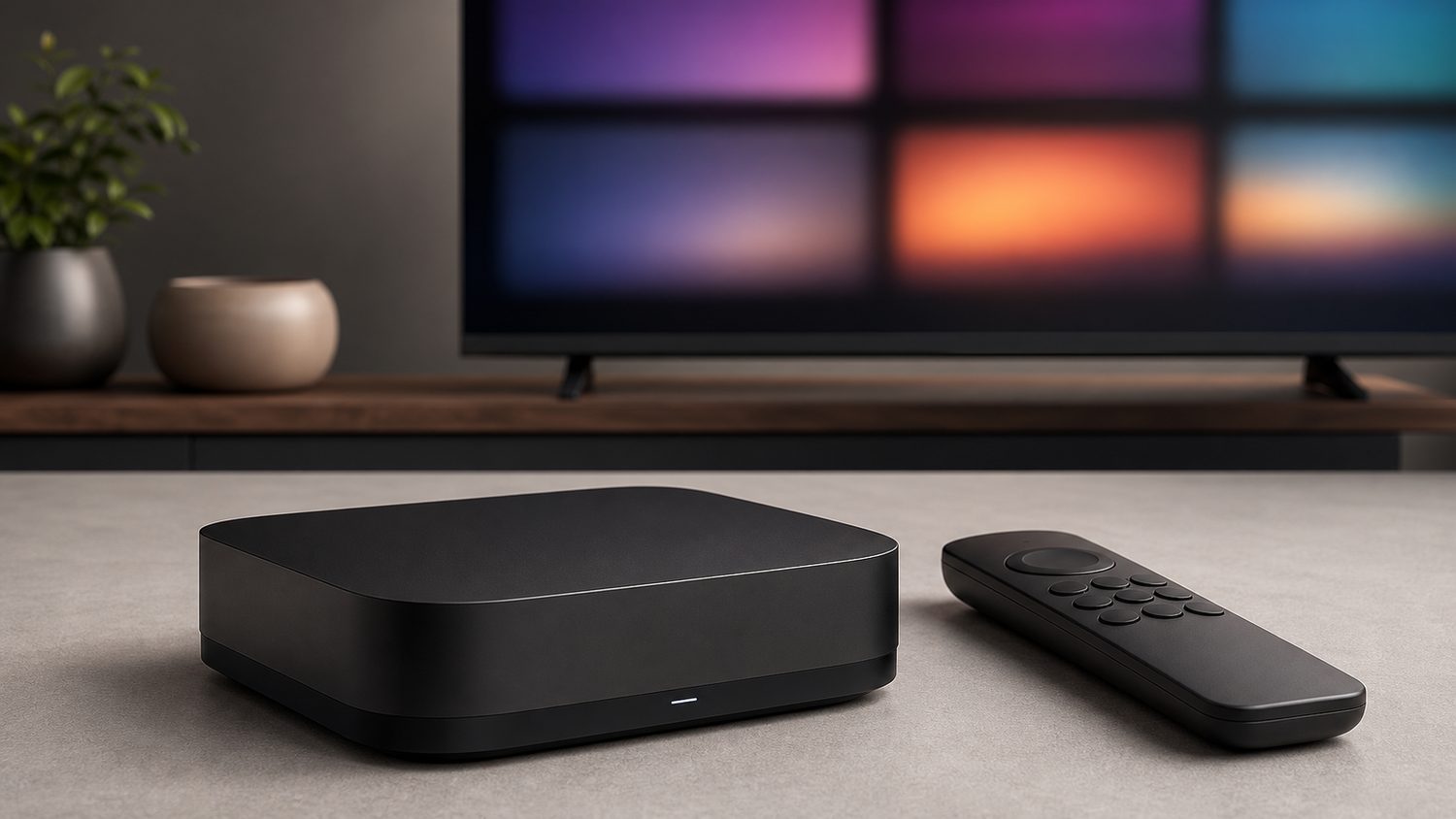
STB Emulator (often shortened to STBEmu) is an Android and Fire TV app that imitates a MAG-brand IPTV set-top box in software. It doesn’t include, host, or index any TV channels itself — it’s a neutral technology tool. What it actually does is let a phone, tablet, Fire Stick, or Android TV box connect to an IPTV provider’s “portal” the same way a physical MAG box would, using a portal URL and a MAC address the provider gives you.
How the emulator actually works
When you install STB Emulator, it generates a virtual MAC address. You enter that MAC address plus a portal URL supplied by an IPTV service into the app’s settings, and the emulator authenticates with that service’s server exactly as a real MAG set-top box would. The app itself never decides what channels show up — that’s entirely determined by whichever portal and subscription you point it at.
This is also exactly why the same app has such a mixed reputation. Because STB Emulator will connect to any portal that speaks the MAG protocol, it’s been widely used to access unlicensed IPTV reseller portals as well as legitimate ones. The emulator itself isn’t illegal to install or use — but connecting it to a portal that redistributes cable/satellite channels without a license is a copyright and, in many countries, a legal problem for the end user, not just the operator.
The legal risk, plainly
Unlicensed IPTV portals are effectively unauthorized rebroadcasts of channels the reseller doesn’t have the rights to distribute. Prices that look too good to be true (thousands of channels for a few dollars a month) are the clearest signal of an unlicensed service, since a legitimate operator has to pay real licensing fees per channel that a pirate operation skips. Beyond the legal exposure, unlicensed portals are also unstable by nature — they get shut down and reopen under new names constantly, and typically offer no real customer support if the stream fails during a game or show.
Legal ways to get live TV without the risk
If what you actually want is a flexible, app-based way to watch live TV — which is the appeal of the STB Emulator setup in the first place — there are fully licensed streaming services that deliver the same convenience without the legal gray area:
- YouTube TV — a broad channel lineup including major broadcast networks (ABC, NBC, CBS, Fox) plus cable staples and sports, with unlimited cloud DVR storage.
- Fubo — positioned around sports coverage specifically, with a large lineup of domestic and international sports networks alongside general entertainment channels.
- Sling TV — smaller, cheaper channel bundles you can mix and match, aimed at cord-cutters who don’t need the full channel count of the bigger services.
- Philo — an entertainment- and lifestyle-focused bundle that deliberately excludes sports and cable news, which keeps its price meaningfully lower than the alternatives above.
- Pluto TV — a free, ad-supported service with a large number of live channels and on-demand titles, with no subscription required at all.
All five are legitimate, licensed services with real customer support, predictable pricing, and no risk of the service vanishing overnight. Several offer free trial periods, which is a low-risk way to see whether an app-based live TV setup actually replaces what you were hoping to get from an IPTV portal.
If you already use STB Emulator legitimately
Some IPTV resellers operate fully licensed services and use the same MAG-compatible portal protocol that STB Emulator supports — in that case, the emulator itself is simply a convenient, hardware-free way to access a service you’re legitimately paying for. The distinction that matters isn’t the app, it’s whether the specific portal you connect it to holds the rights to the channels it’s streaming. When in doubt, a provider that’s transparent about its company name, charges a realistic price per channel, and offers actual customer support is a reasonable sign it’s operating legally; a portal that advertises “10,000+ channels” for a few dollars a month with no company information is not.