

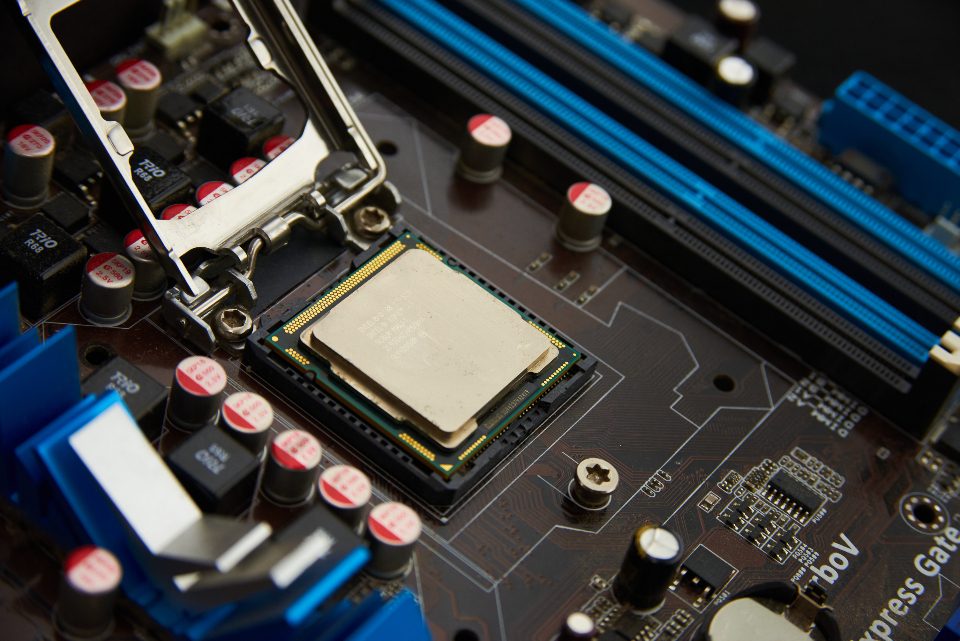
About this guide
H61 is the budget chipset of Intel’s LGA 1155 generation, and it comes with two constraints that decide this entire upgrade.
You cannot overclock. H61 runs locked multipliers at stock speeds, full stop. That means a K-series chip gives you nothing an equivalent non-K does — the i5-3570K and the i5-3570 perform identically on this board, and the K version usually costs more. Buy the non-K and spend the difference elsewhere.
Ivy Bridge may need a BIOS update. H61 launched with Sandy Bridge (2nd generation). Ivy Bridge (3rd generation) support arrived by firmware, and a board that has never been updated may refuse to post with one. Update the BIOS before removing the old chip, while the machine still boots — doing it the other way round leaves you with a board that will not start and no working CPU to fix it with.
There is also a thermal point worth knowing: Ivy Bridge parts are 77 W against Sandy Bridge’s 95 W for the same core count, so they run cooler and are more forgiving on the thin stock cooler most prebuilts shipped with.
Ten chips below, from the practical ceiling down to the cheap wins.
As an Amazon Associate and eBay Partner, toptenpick.com earns from qualifying purchases. Prices and availability are subject to change.
The picks, in detail

Intel Core i7-3770
The sensible ceiling for this board and the one to buy if you want the best it can take.
- 4 cores / 8 threads, 3.4 GHz base, 3.9 GHz turbo
- 77 W Ivy Bridge, cooler than Sandy Bridge equivalents
- Needs a BIOS update on older H61 boards
- Integrated HD 4000 graphics
- Eight threads transforms multitasking on this platform
- Runs cooler than the i7-2600 it replaces
- Best chip this board can accept
- Most expensive option here
- Requires a BIOS update before fitting
- Diminishing returns for pure gaming versus the i5
Why we picked it
Four cores with hyper-threading gives eight threads, which is what actually matters now — modern software assumes more than four, and this is the only way to get there on LGA 1155. The non-K version is the right choice: H61 cannot overclock, so the K premium buys nothing.
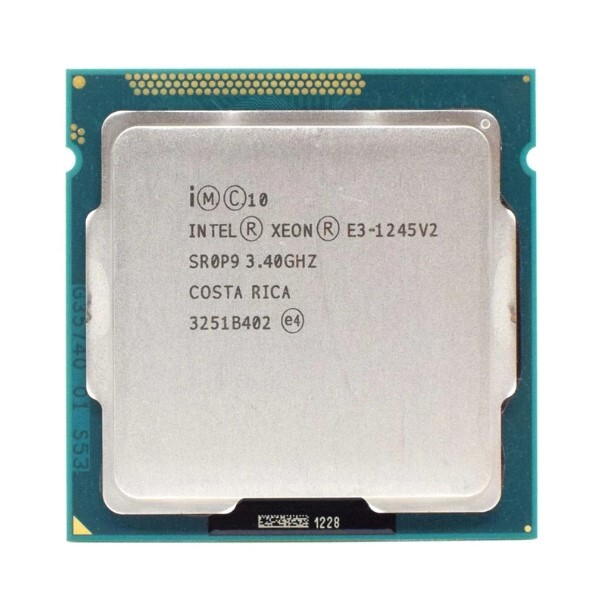
Intel Xeon E3-1230 v2
The value pick, and the one most people should buy.
- 4 cores / 8 threads, 3.3 GHz base
- 69 W, very efficient
- No integrated graphics — needs a discrete card
- Ivy Bridge, BIOS update usually required
- i7 performance at a noticeably lower price
- Very efficient and cool running
- Plentiful on the used market
- No integrated graphics — a discrete card is mandatory
- Some H61 boards need a specific BIOS for Xeon support
- Slightly lower clocks than the i7-3770
Why we picked it
It is essentially an i7-3770 with the integrated graphics disabled and a slightly lower clock, sold into the server market and therefore much cheaper on the used market. Same four cores, same eight threads, same 69 W class. If you have a discrete graphics card, the missing iGPU costs you nothing.

- 4 cores / 4 threads, 3.4 GHz base, 3.8 GHz turbo
- 77 W Ivy Bridge
- Integrated HD 2500 graphics
- Non-K: identical to the K on a locked board
- Near-i7 gaming performance for less
- Cool and efficient
- Very widely available
- Four threads is the real limit for modern software
- HD 2500 graphics is weaker than the i7’s HD 4000
- Needs a BIOS update on older boards
Why we picked it
Four cores without hyper-threading, Ivy Bridge efficiency, and in games that do not use more than four threads it performs within a hair of the i7-3770 for meaningfully less money. Note the non-K designation — on H61 the K version is simply a more expensive chip with a feature you cannot use.

Intel Core i7-2600
The Sandy Bridge i7, and the one to buy if your board's BIOS cannot be updated for Ivy Bridge.
- 4 cores / 8 threads, 3.4 GHz base, 3.8 GHz turbo
- 95 W Sandy Bridge
- Works on H61 without a BIOS update
- Integrated HD 2000 graphics
- No BIOS update gamble — guaranteed compatible
- Eight threads at a low used price
- Very well proven and plentiful
- Runs hotter than Ivy Bridge equivalents
- Slower clock for clock than the 3770
- Stock coolers struggle under sustained load
Why we picked it
Four cores and eight threads like the 3770, roughly 5–10% slower clock for clock, and crucially it works on every H61 board out of the box with no firmware gamble. The 95 W draw means it runs hotter on a stock cooler.
Intel Xeon E3-1270 v2
The higher-clocked Xeon, essentially matching the i7-3770's frequencies without the integrated graphics.
- 4 cores / 8 threads, 3.5 GHz base, 3.9 GHz turbo
- 69 W
- No integrated graphics
- Ivy Bridge generation
- Highest clocks available for this socket
- Excellent efficiency for the performance
- Cheaper than the equivalent retail i7
- Board Xeon support is not universal — check first
- Requires a discrete graphics card
- Scarcer than the E3-1230 v2
Why we picked it
It is the fastest chip most H61 boards will accept and usually still cheaper than a retail i7. Same caveats: discrete graphics required, BIOS support needed, and worth verifying your specific board's Xeon compatibility list first.

Intel Core i5-2500
The Sandy Bridge i5, and the budget floor that still makes sense.
- 4 cores / 4 threads, 3.3 GHz base, 3.7 GHz turbo
- 95 W Sandy Bridge
- No BIOS update needed on H61
- Integrated HD 2000 graphics
- Huge step up from any dual-core
- Guaranteed to work without firmware changes
- Extremely cheap used
- Four threads and an older architecture
- 95 W runs warm on stock cooling
- Ivy Bridge equivalents are barely dearer
Why we picked it
Four cores, no hyper-threading, works on any H61 board without firmware concerns. If you are coming from a dual-core Pentium or an i3, this is a genuine transformation for very little money — and unlike the i7 options, it needs no BIOS gamble.
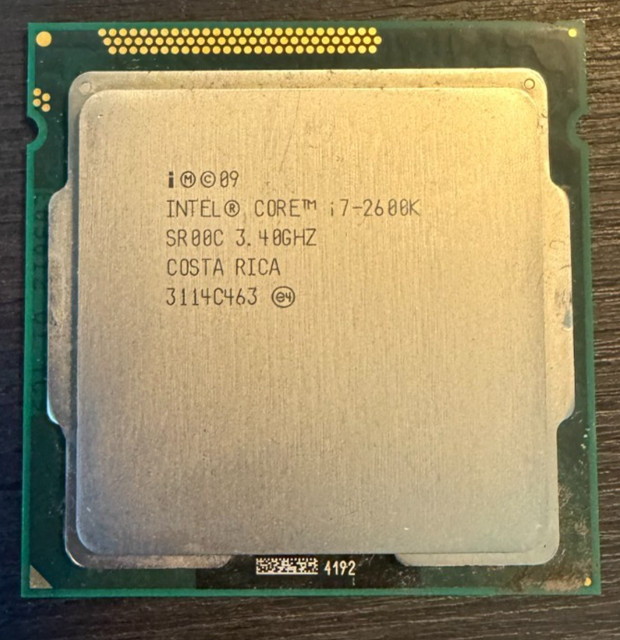
Intel Core i7-2600K
Included because it is everywhere on the used market and often priced below the non-K, which is the opposite of the usual pattern — overclockers have moved on and dumped them.
- 4 cores / 8 threads, 3.4 GHz base, 3.8 GHz turbo
- 95 W, unlocked multiplier that H61 cannot use
- No BIOS update needed
- Integrated HD 3000 graphics
- Often cheaper than the non-K on the used market
- Better integrated graphics than the 2600
- Guaranteed H61 compatibility
- Unlocked multiplier is completely wasted here
- 95 W and warm
- Often heavily used by former overclockers
Why we picked it
On H61 the unlocked multiplier is inert, so if the K happens to be cheaper than the i7-2600, buy it and simply ignore the feature you cannot use.

- 4 cores / 4 threads, 3.1 GHz base, 3.4 GHz turbo
- 95 W Sandy Bridge
- No BIOS update needed
- Very low used prices
- Cheapest sensible quad-core upgrade
- Drops straight in on any H61 board
- Plenty for everyday use
- Slowest quad-core here
- Older architecture
- Barely cheaper than the faster i5-2500
Why we picked it
A little slower than the i5-2500 and usually a little cheaper, with the same guaranteed Sandy Bridge compatibility. For a machine used for browsing, office work and light gaming, the difference between this and the 2500 is not something you will notice; the difference from a dual-core is enormous.

Intel Core i3-3240
A dual-core with hyper-threading, and worth considering only in one specific case: a very low-profile or small prebuilt with weak cooling and a tiny power supply, where a 95 W quad would cook.
- 2 cores / 4 threads, 3.4 GHz
- 55 W — the coolest chip here
- Ivy Bridge, HD 2500 graphics
- Undemanding on power supply and cooler
- Very low heat and power draw
- Fine for browsing and office work
- Suits cramped prebuilt cases
- Two physical cores is a real limitation now
- Beaten by cheap quads in almost every task
- Only makes sense for thermally limited machines
Why we picked it
At 55 W it runs cool and quiet. For any machine that can take a quad, a quad is the better buy at similar money.

- Non-conductive compound suitable for any CPU
- One tube covers several applications
- Sold with or without cleaning wipes
- Immediate effect on load temperatures
- Cheap and absolutely necessary
- Prevents throttling that mimics a slow CPU
- Also worth doing on the existing chip
- Easy to apply too much
- Cheap generic pastes dry out fast
- Needs isopropyl alcohol to clean the old paste off
Why we picked it
The paste on a ten-year-old cooler has long since dried to a crust, and refitting a CPU without replacing it gives you thermal throttling that looks exactly like a slow processor. A single tube costs a few pounds and does several rebuilds. Clean both surfaces properly with isopropyl alcohol before applying.
What each one costs
Typical price, cheapest first. Tap a name to jump to that pick and its buy link.
Compare any three
| Intel Core i7-3770 | Intel Xeon E3-1230 v2 | Intel Core i5-3570 | |
|---|---|---|---|
| Price | $45–$85 | $30–$60 | $25–$50 |
| Key features |
|
|
|
| Pros |
|
|
|
| Cons |
|
|
|
Buying tips
- Update the BIOS before you remove the old CPU. Ivy Bridge support on H61 came by firmware, and doing this after the swap leaves you with a board that will not post and no working chip to fix it.
- Never pay extra for a K chip on H61. The chipset cannot overclock, so the unlocked multiplier is inert. Buy the K only if it happens to be cheaper, which on the used market it sometimes is.
- Prefer Ivy Bridge (3000-series) over Sandy Bridge (2000-series) where the price is close — 77 W against 95 W for the same cores means cooler, quieter operation on the stock cooler.
- Xeon E3 v2 chips are the value play, but they have no integrated graphics. If your monitor plugs into the motherboard rather than a graphics card, a Xeon will leave you with a blank screen.
- Check your board’s supported CPU list on the manufacturer’s site before buying. H61 boards vary in which Xeons they accept even at the same BIOS version.
- Replace the thermal paste. Ten-year-old compound is dried out, and refitting without new paste produces throttling that looks exactly like a slow processor.
- Consider whether the platform deserves the money at all. If you are spending on an i7 plus RAM plus a card, a modern budget build may be the better use of the same budget — this upgrade makes most sense when the rest of the machine is already sound.
As an Amazon Associate and eBay Partner, toptenpick.com earns from qualifying purchases. Prices and availability are subject to change.