

As an Amazon Associate and eBay Partner, toptenpick.com earns from qualifying purchases. Prices and availability are subject to change.
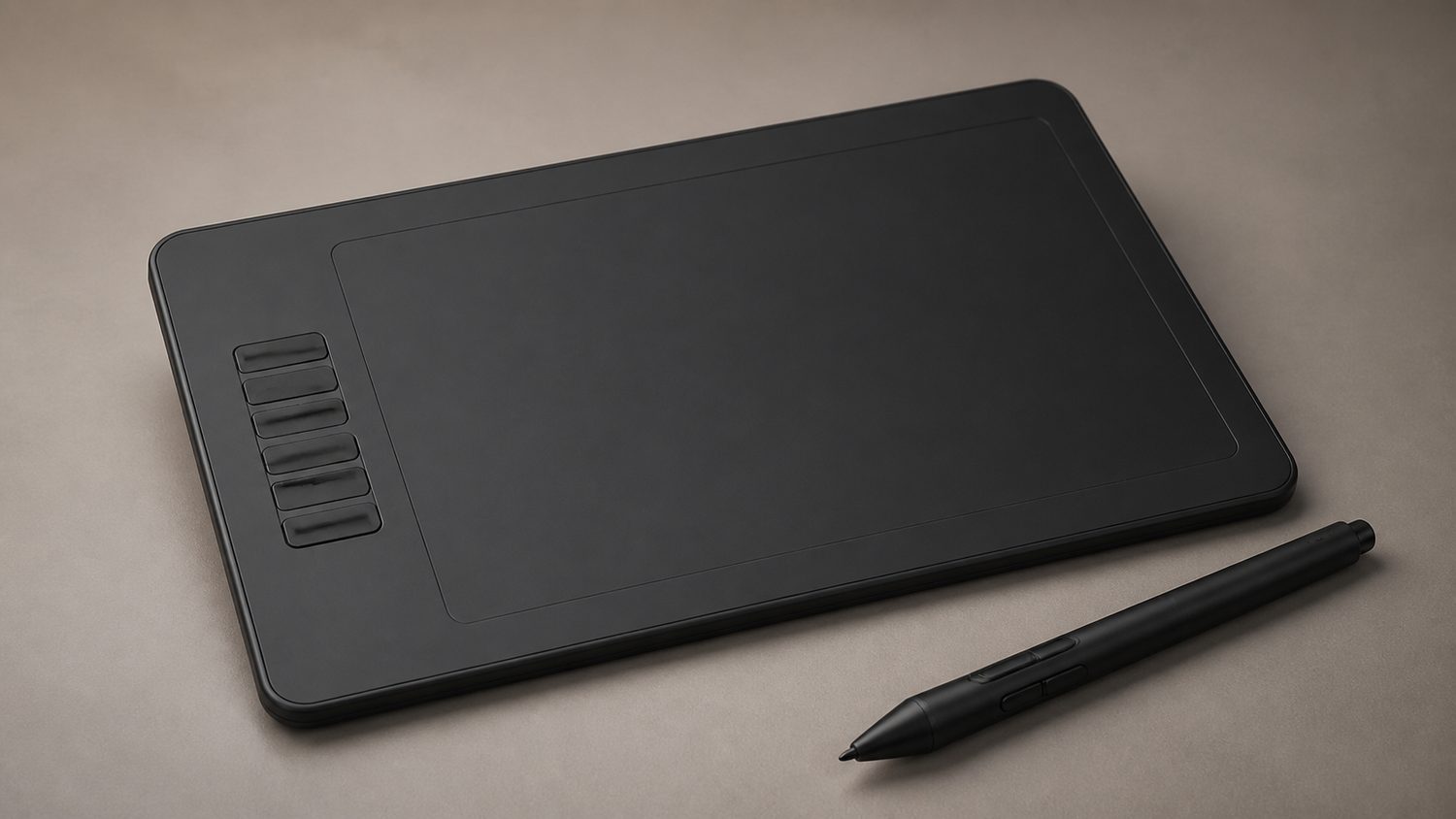
At this budget, a pen tablet without a built-in display is usually the most capable choice. Check software support, active area and whether the tablet needs a computer or works with Android.
| # | Product | Price | Where to buy |
|---|---|---|---|
| 1 | Wacom Intuos Small CTL4100 | $50-$80 | Amazon · eBay |
| 2 | XP-Pen Deco 01 V3 | $70-$80 | Amazon · eBay |
| 3 | XP-Pen Star G640 | $31.99-$39.99 | Amazon · eBay |
| 4 | XP-Pen G430S | $20-$35 | Amazon · eBay |
| 5 | Huion Inspiroy H610X | $45-$70 | Amazon · eBay |
| 6 | Huion Inspiroy H640P | $35-$55 | Amazon · eBay |
| 7 | Huion HS64 | $30-$45 | Amazon · eBay |
| 8 | One by Wacom Small CTL472 | $35-$55 | Amazon · eBay |
| 9 | GAOMON S620 | $25-$40 | Amazon · eBay |
| 10 | VEIKK A15 Pro | $50-$70 | Amazon · eBay |
The picks, in detail

Wacom Intuos Small CTL4100
A compact non-display pen tablet with four ExpressKeys, ideal when desk space matters more than a large drawing surface.
- small active area
- four ExpressKeys
- battery-free pen
- USB connection
- Recognized driver ecosystem
- Compact for travel
- Small surface can feel restrictive for illustration

XP-Pen Deco 01 V3
A non-display 10 x 6-inch tablet with eight shortcut keys and 16K pressure-level stylus support, giving large-area drawing below $100.
- 10 x 6-inch active area
- 16K pressure levels
- eight shortcut keys
- USB wired connection
- Large work area at the price
- Dedicated shortcut keys
- No built-in display

XP-Pen Star G640
A slim 6 x 4-inch non-display tablet with an 8192-level battery-free pen for sketching, signing and entry-level drawing.
- 6 x 4-inch active area
- 8192 pressure levels
- battery-free stylus
- Mac Windows and Chromebook support
- Official price remains well under $100
- Portable 2mm design
- No shortcut keys on the base model

XP-Pen G430S
A 4 x 3-inch non-display tablet designed for compact drawing, signatures and OSU play, with an 8192-level battery-free pen.
- 4 x 3-inch active area
- 8192 pressure levels
- battery-free stylus
- 2mm thickness
- Very small desk footprint
- Lowest-cost XP-Pen option here
- Active area is small for detailed illustration

Huion Inspiroy H610X
A large non-display Huion tablet with programmable keys and a battery-free stylus, for artists who value hand room over a compact form factor.
- large active area
- programmable press keys
- battery-free stylus
- wired USB connection
- Large canvas feel under $100
- Shortcut controls improve workflow
- Takes more desk space

Huion Inspiroy H640P
A compact 6.3 x 3.9-inch non-display tablet with six shortcut keys and an 8192-level battery-free pen.
- 6.3 x 3.9-inch active area
- 8192 pressure levels
- six shortcut keys
- battery-free pen
- Compact with real shortcut controls
- Works as a wired pen tablet
- No screen for direct drawing

Huion HS64
A 6.3 x 4-inch non-display tablet with four express keys and Android compatibility, useful for simple mobile or computer drawing setups.
- 6.3 x 4-inch active area
- four express keys
- battery-free pen
- Android compatibility
- Android support broadens its use
- Compact active area
- Connector compatibility depends on the host device
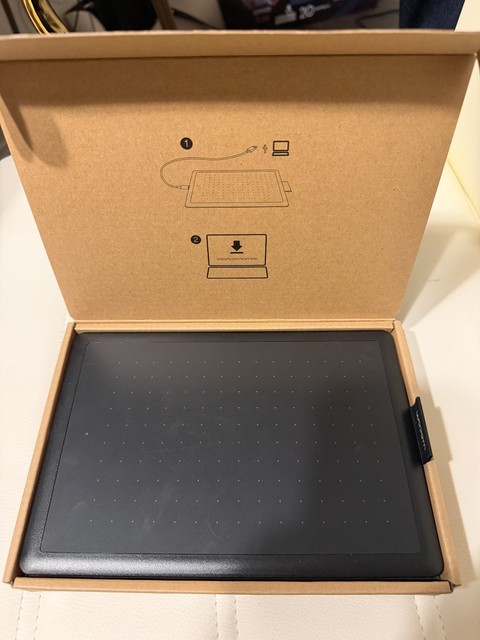
One by Wacom Small CTL472
A small non-display Wacom tablet with a 6 x 3.7-inch active area and battery-free pen, focused on straightforward Windows, macOS and Chromebook input.
- 6 x 3.7-inch active area
- battery-free pen
- wired USB connection
- Windows macOS and Chromebook support
- Simple focused design
- Recognized Wacom driver support
- No ExpressKeys

GAOMON S620
A small non-display tablet with four shortcut keys and an 8192-level battery-free pen, suitable for budget drawing and annotation.
- 6.5 x 4-inch active area
- 8192 pressure levels
- four shortcut keys
- battery-free pen
- Shortcut keys at a low price
- Compact drawing surface
- No display or wireless mode

VEIKK A15 Pro
A large 10 x 6-inch non-display tablet with programmable shortcut keys, for artists who want a broad wired drawing surface while staying under $100.
- 10 x 6-inch active area
- 12 shortcut keys
- battery-free pen
- wired connection
- Large work area
- More shortcut controls than compact tablets
- Large footprint is less travel-friendly
Buying tips
- Confirm compatibility with your operating system and drawing app.
- Use the manufacturer driver instead of relying on a generic tablet driver.
- A larger active area is useful for illustration, while compact models travel easily.
As an Amazon Associate and eBay Partner, toptenpick.com earns from qualifying purchases. Prices and availability are subject to change.